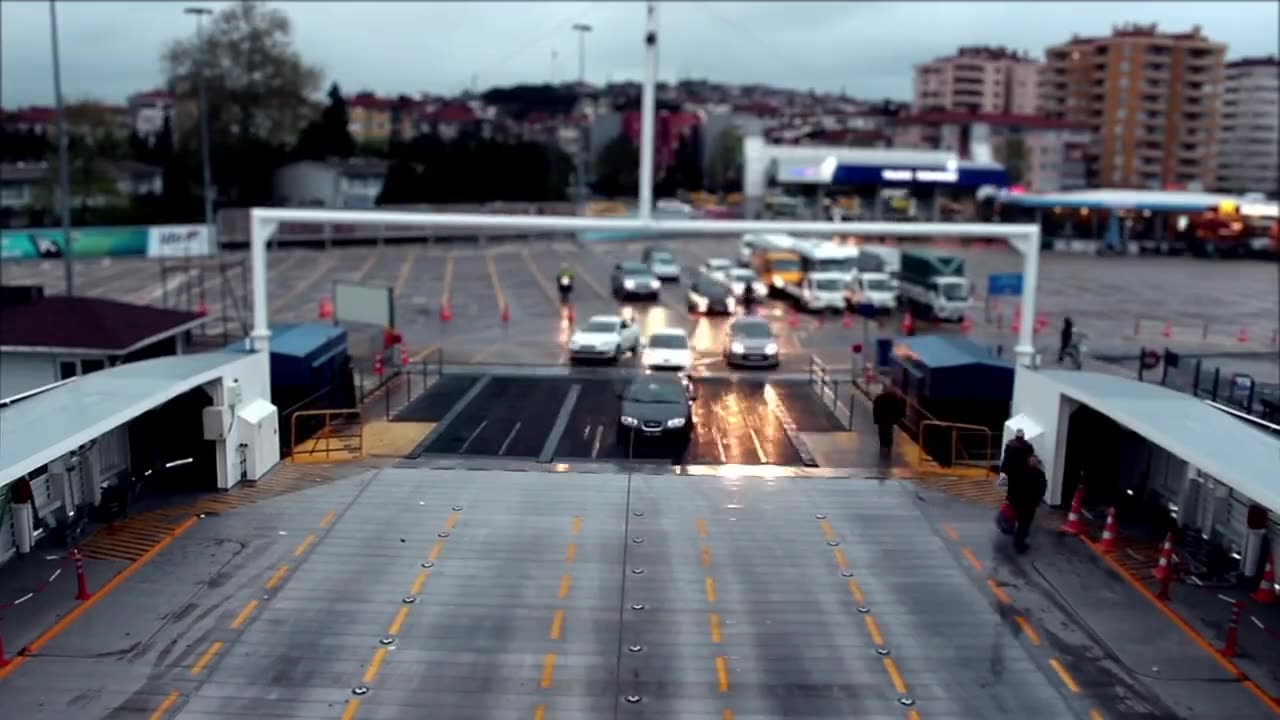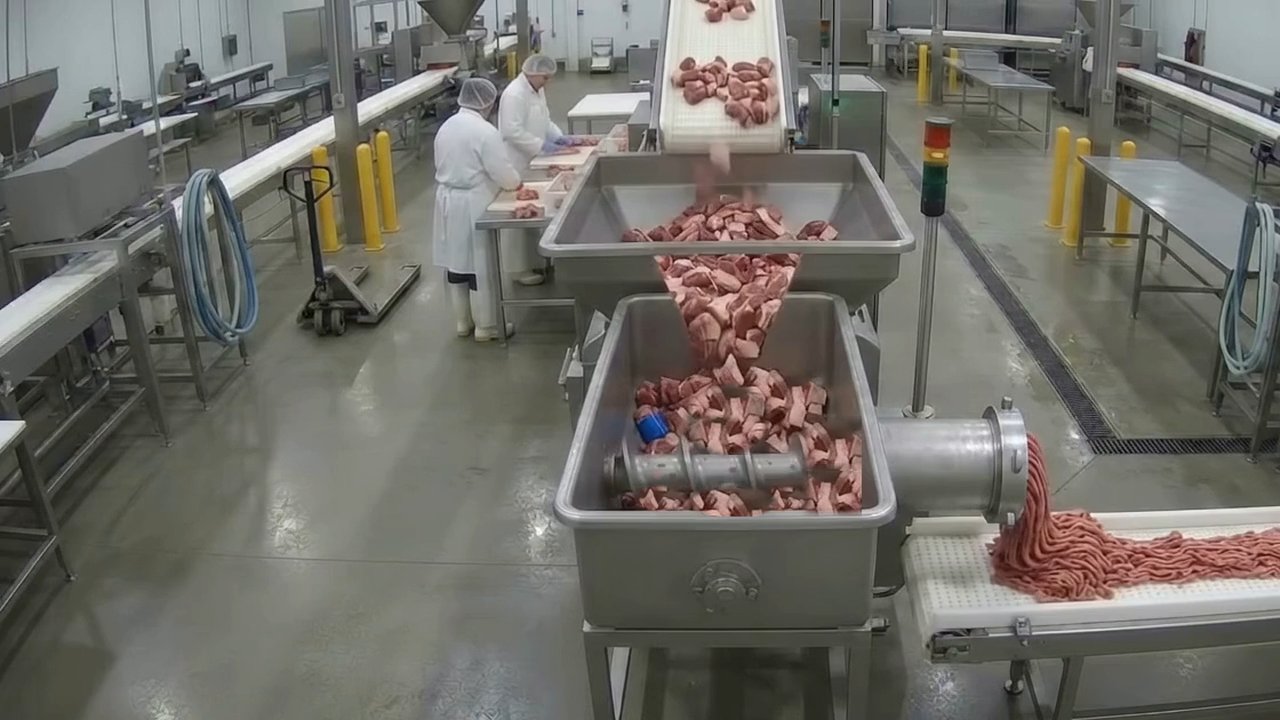


One video analytics platform for your existing CCTV network.
Explore a short demonstration of how to connect a camera, define a monitoring area and configure alerts.
Runs on Azure AKS, Amazon EKS, Google Cloud GKE or on-premises.
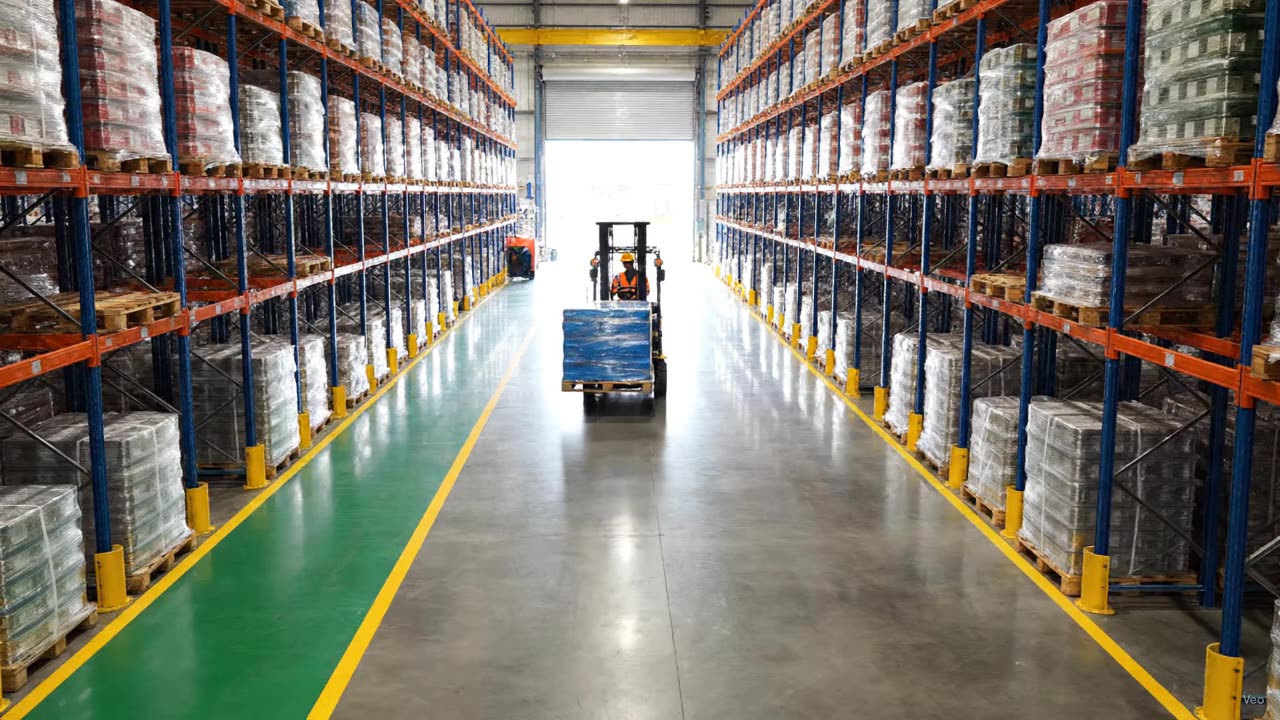


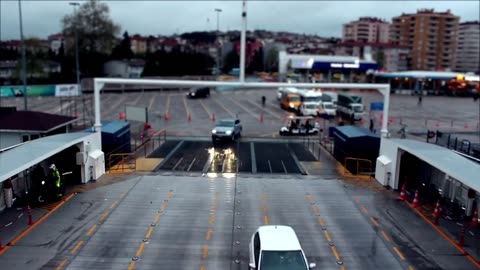


 nowPotential unsafe proximityPedestrian 1.4 m from a moving forklift · Aisle 7
Demonstration only.
From cameras to actionable insights
Connect your cameras, configure your use cases and start exploring.
Stream credentials are stored as encrypted secrets, and each camera’s connection is checked before analysis starts.
Onboard cameras into groups by site or area, and see each one’s status at a glance.
Pick a camera and draw what to measure: an area to count or time what’s inside it, or a line to count what crosses it.
Draw an area around the carousel to track every bag from belt to trolley.
Review the draft and switch it on. Analysis starts on the live feed, and the camera shows as active once it’s running.
See queue lengths, counts and trends for each zone, by camera, site or time of day.
Play back several cameras for any time window to investigate what happened.
Monitor platform health around the clock: server status, CPU, memory and uptime, so issues are caught before they affect analysis.
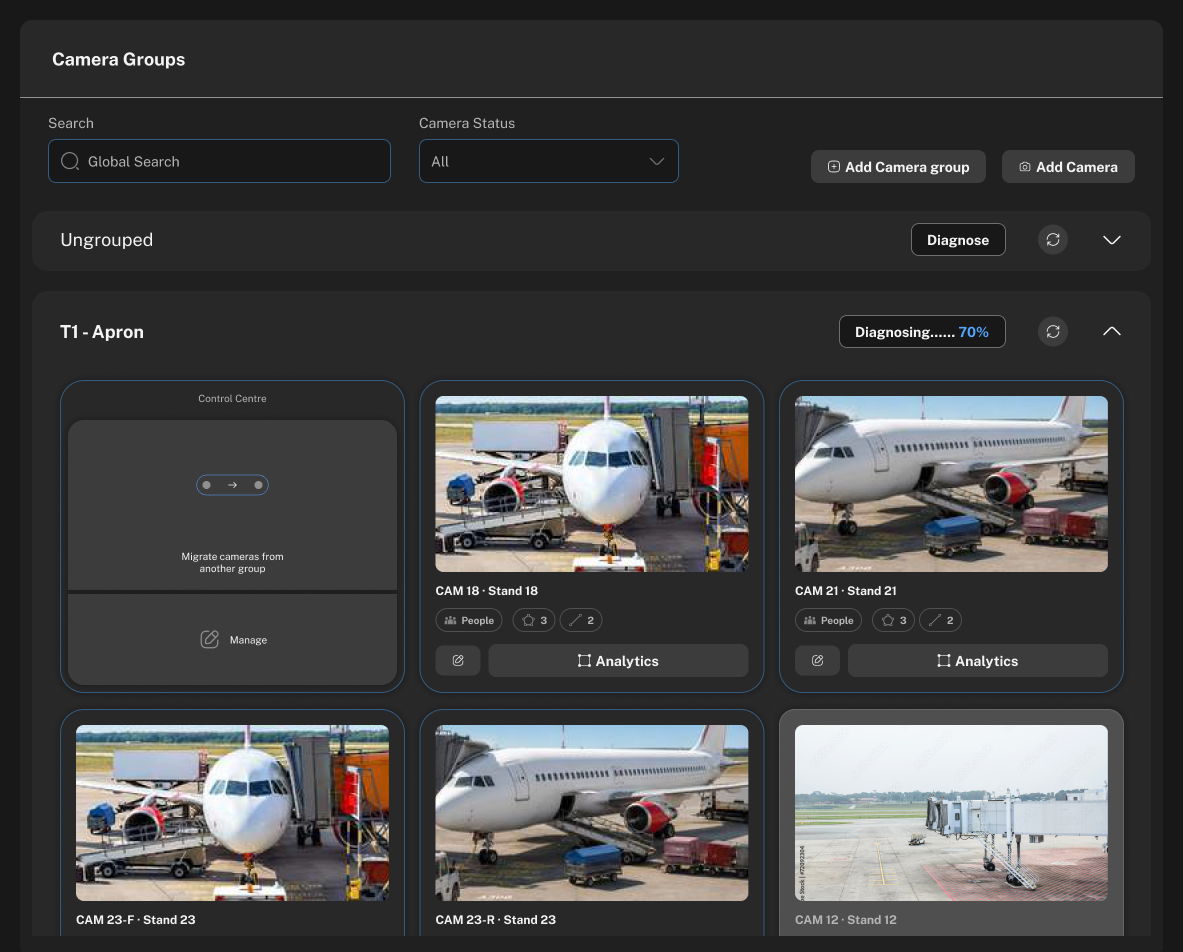
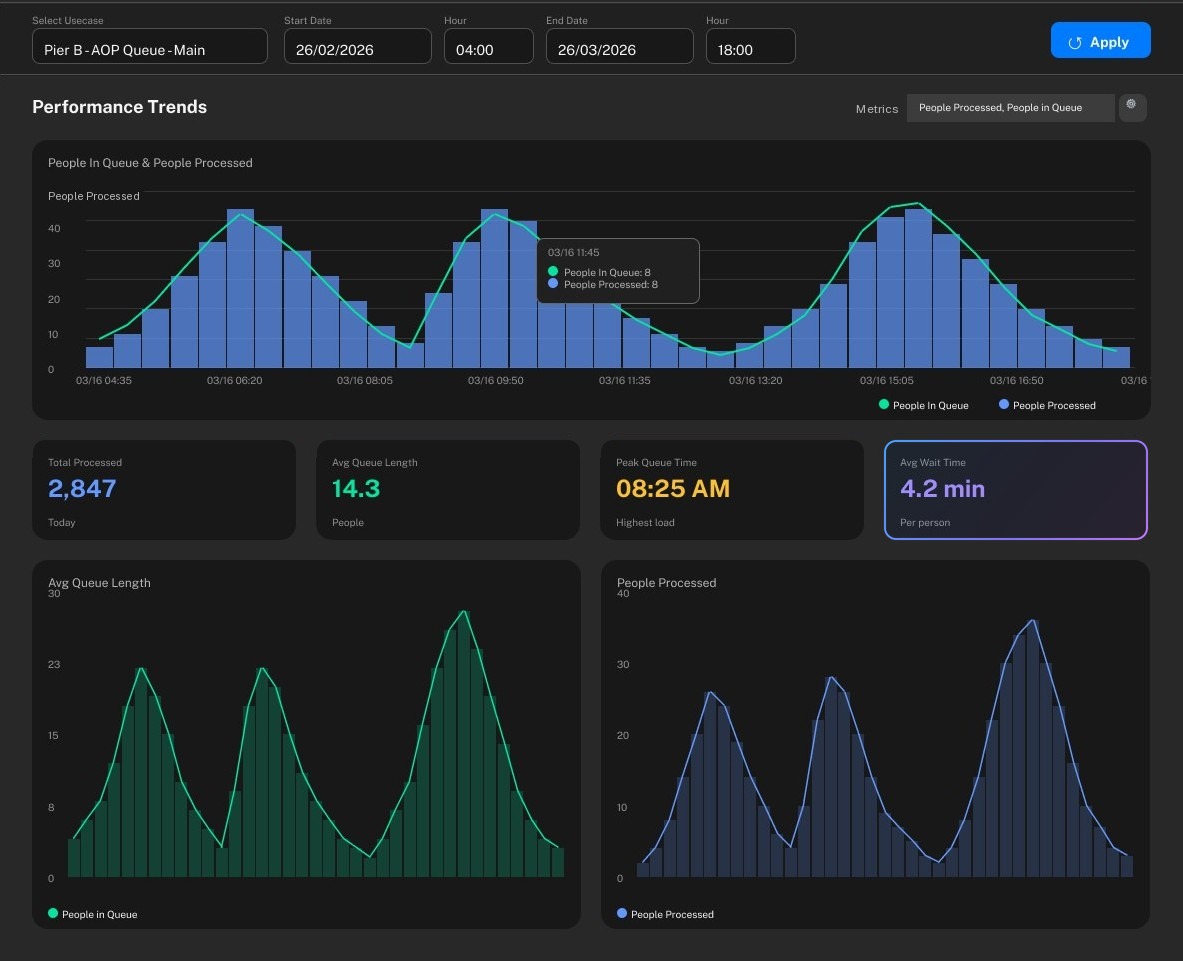
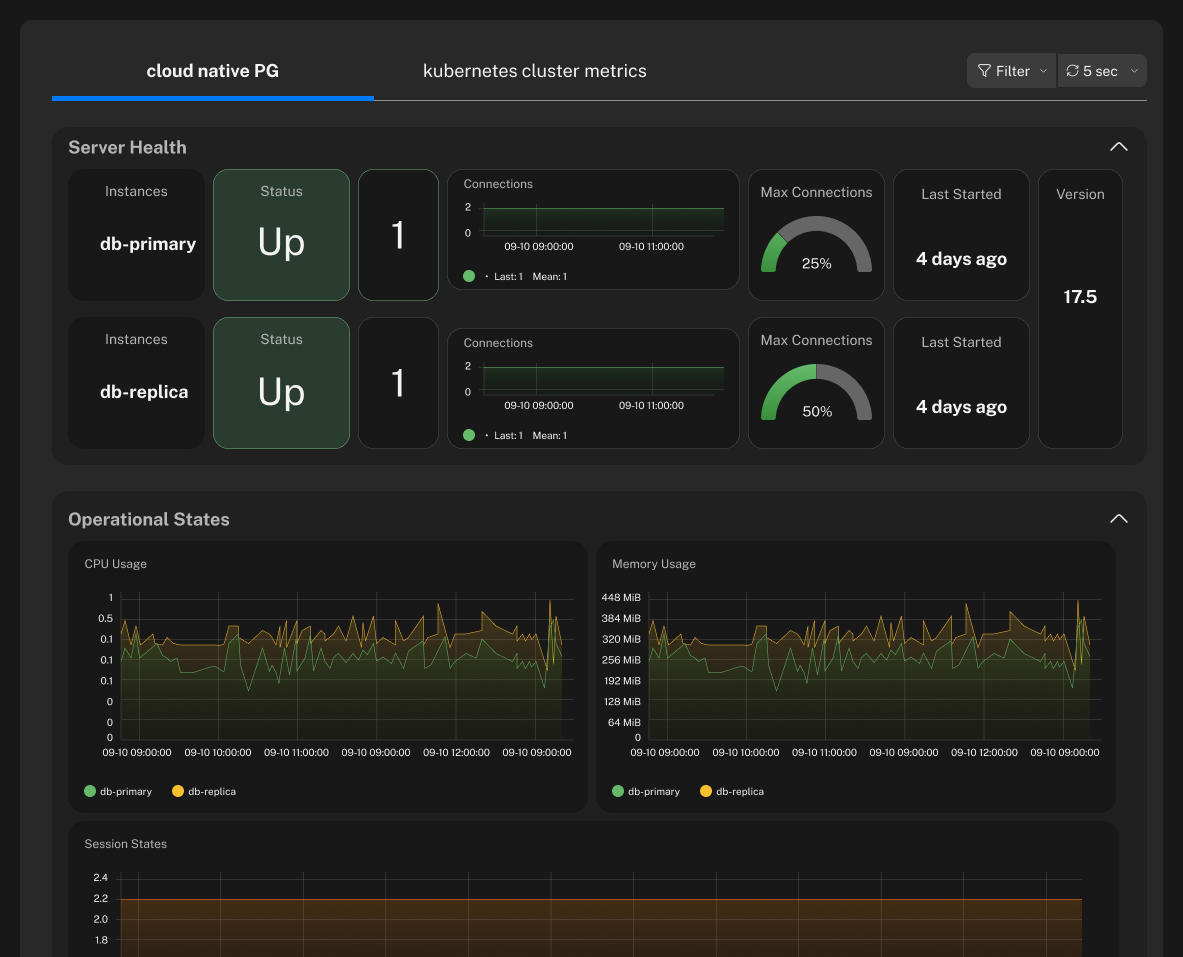
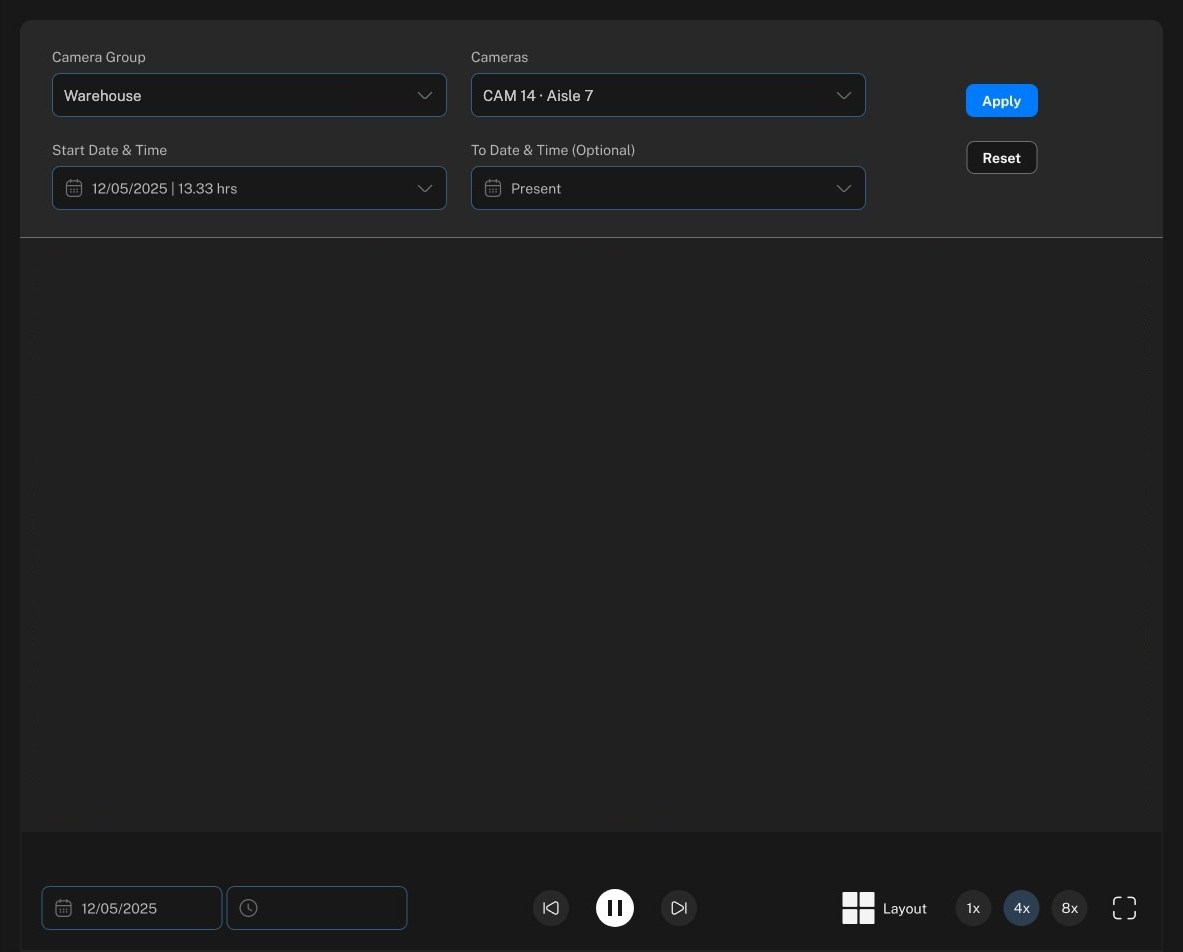
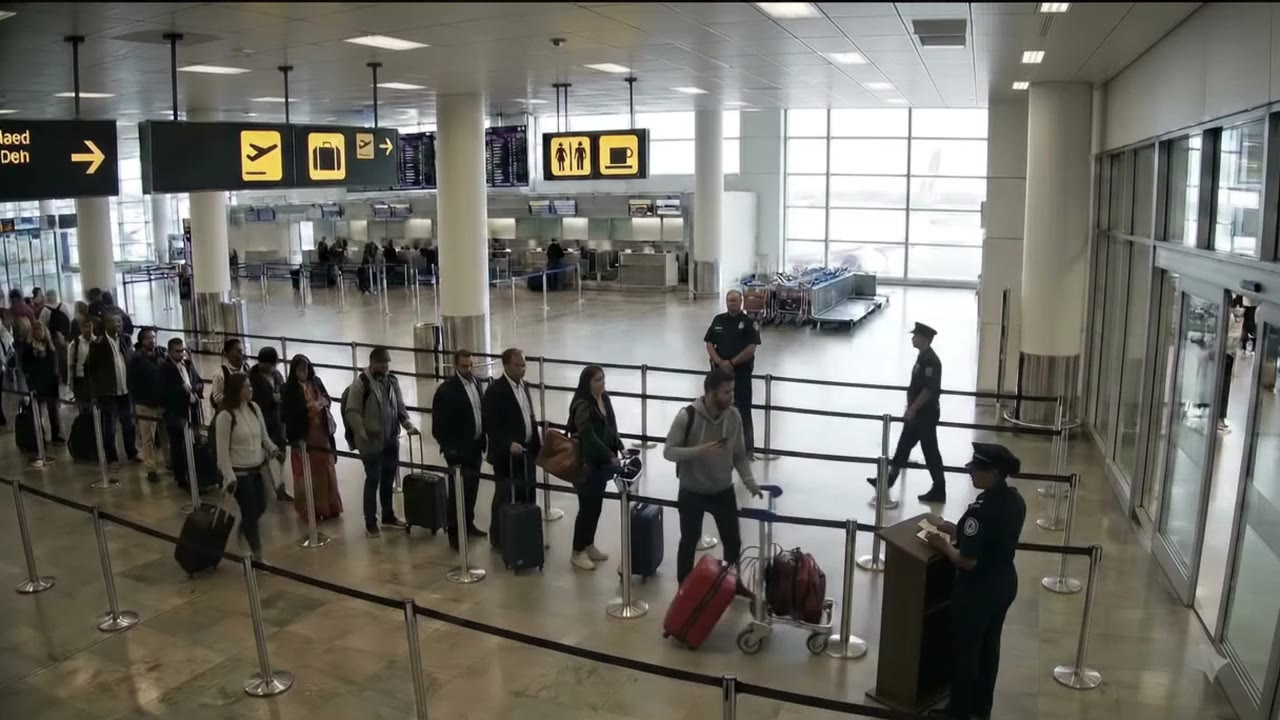
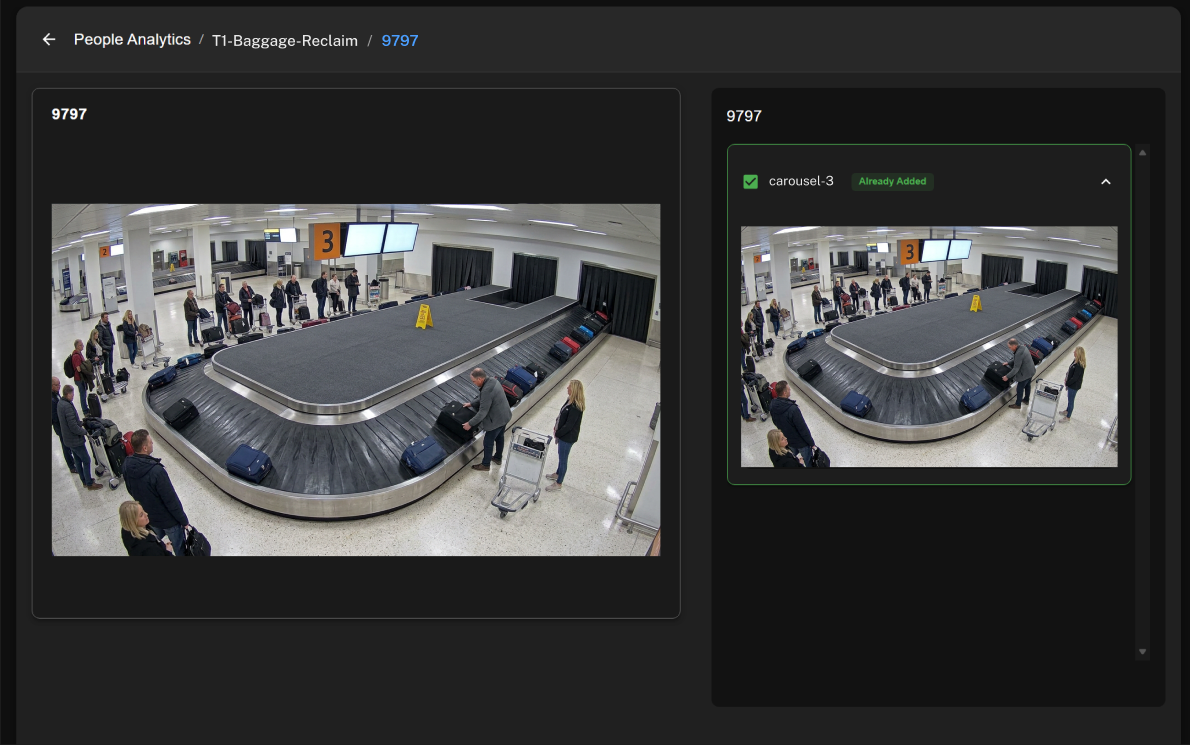
Screens from the Eye4.ai platform with sample data, except steps 01, 03 and 04, which illustrate the set-up flow.
Built to keep running, on the cameras you already have.
Eye4.ai checks its own health, keeps working when part of the system is unavailable, and connects what it sees to your operational data.
- Keeps working during outagesBuilt-in backup processing helps maintain service if part of the system becomes unavailable.
- Processing node unavailable
- Backup processing took over
- Analysis continued · no gaps
- Operational supportSelf-healing services with proactive monitoring and automated recovery.
- Works with your existing camerasUse your current CCTV network without replacing cameras or installing proprietary hardware.
- Connected to operational dataVideo detections can be matched with your operational records to provide more accurate and useful insights.
- Efficient video processingStreams processed in GPU batches, so each GPU carries more cameras.Powered by NVIDIA DeepStream
- Flexible AI modelsPretrained models for common use cases, and custom training for new ones.
Run anywhere. Keep control of your data.
Deploy on the cloud you already use or on your own servers, with video processing and data storage aligned to your cybersecurity, privacy and data residency requirements.
- Azure AKSMicrosoft Azure
- Amazon EKSAmazon Web Services
- Google Cloud GKEGoogle Cloud
- On-premisesYour own servers
Your environment. Your control.
Your video and data are processed and stored where your cybersecurity policy requires: in your chosen cloud region or on your own site.
- Fits your cyber policiesChoose the cloud, region or site your security team approves
- Encrypted in transitVideo streams encrypted; camera credentials stored as encrypted secrets
- Face blurringBuilt in, where identification isn’t required
- Every event traceableTimestamp, location and frame for every detection
- ISO
27001Information securityBI3 Technologies is ISO/IEC 27001 certified. - ISO
42001AI managementBI3 Technologies is ISO/IEC 42001 certified.
Where each part runs
Three deployment models. Pick the one your security team signs off.
| Model | Processing | Recordings | Dashboards |
|---|---|---|---|
| CloudFastest to start. Recordings stay in your VMS. | Cloud | Your site | Cloud |
| HybridVideo stays on site. Insights in the cloud. | Your site | Your site | Cloud |
| Your infrastructureNothing leaves your site. | Your site | Your site | Your site |
Your site stays inside your networkCloud your chosen cloud and region
Built to sit inside your operation.
Turn camera footage into alerts, dashboards and event records that support decisions. Eye4.ai sits between the video you already record and the teams and systems that act on it.
Cloud · your infrastructure · hybrid- 1Video connection and health monitoringStreams pulled from cameras or VMS; connection and health checks on each feed
- 2Detection modelsPeople, vehicles, PPE, objects and machine state
- 3Zones, lines and rulesDrawn in the browser; thresholds you set, no code
- 4Events and evidenceEvery event with time, location, measurement and frame
Your existing cameras. New operational insights.
Many video analytics products do one job well. Eye4.ai is built to grow across use cases, on the CCTV you already own.
| Typical video analytics | With Eye4.ai |
|---|---|
| Often paired with specific cameras or an on-site edge appliance | Works with the cameras and VMS you already run |
| Strong in one area, such as security, with other use cases as add-on modules | One platform for queues, safety, assets and quality |
| Rules set up per site, often with vendor or integrator support | Draw zones, lines and thresholds in the browser, with no code |
| Integrations through APIs, usually built per project | Events matched to your ERP, MES, SCADA and operations data |
| A set deployment model, commonly the vendor’s cloud or an on-site box | Your cloud, your servers or hybrid, where your cyber policy requires |
| A good fit for one fixed use case. | Start with one camera. Add the next use case without new hardware. |