

Restricted zones and line crossing
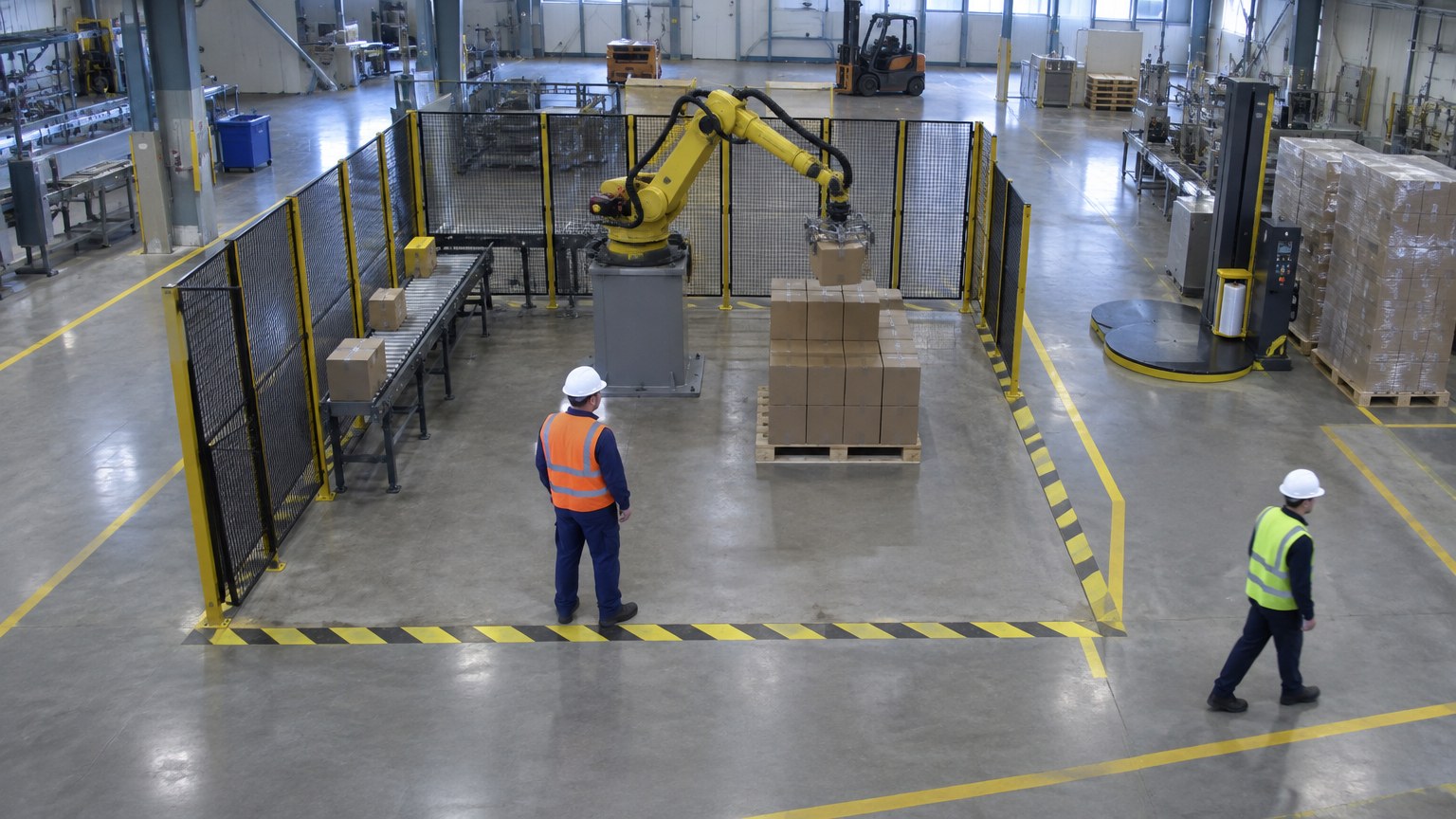
Know the moment someone enters a restricted area or crosses a line they shouldn’t. Restricted areas rely on signs and the occasional patrol, so entries are found late, if at all.
Why it matters.
Restricted areas rely on signs and the occasional patrol, so entries are found late, if at all. An unauthorised entry can mean injury, theft or a security breach.
What it detects and measures
- Someone entering a restricted area
- Someone crossing a marked line or perimeter
- How long they stay inside
- An image of the moment they entered
- When and where entries happen mostTo focus security effort
Typical applications
Set up in four steps.
Self-service, in the browser, on the cameras you already own.
- 01Connect
Uses the CCTV cameras already covering the area or boundary. No new hardware.
- 02Set the rule
Draw the area or line, and set when it applies, for example after hours only.
- 03Measure
Watches for entries and crossings, and times how long people stay inside.
- 04Act
When someone enters or crosses, the area owner or security team is alerted with an image.
What your team gets.
Alerts reach the person who can act, with the time, place and frame. Every event is kept for reporting.
For operations
- Every entry recorded with an image, as it happens
- How long people stay inside, measured for each entry
For the business
- Lower risk of injury, theft and security breaches
- Security resources focused where entries actually happen
- A clear record for investigations, audits and insurers
- Built on existing cameras, so no hardware spend to get started
Often measured on the same cameras.
The same cameras can watch vehicle areas and site gates.
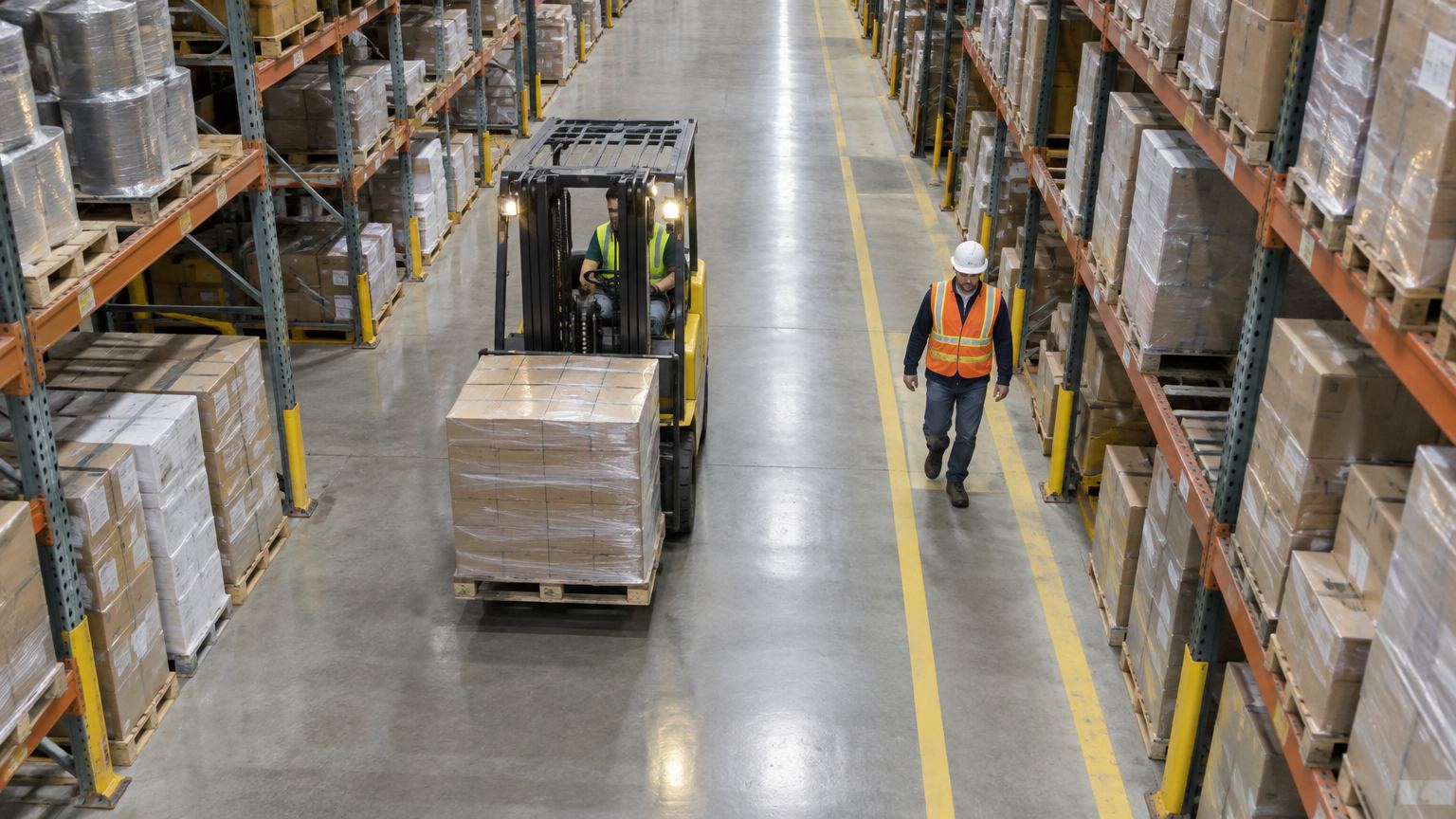
Pedestrian and vehicle proximity monitoring
Flag when people and moving vehicles get too close, so near misses are seen and fixed before someone is hurt.
Safety and securityView use case
Plate recognition and access
Know every vehicle at every gate, and match it to its booking or permit.
Safety and securityView use case