


Asset location and time in storage
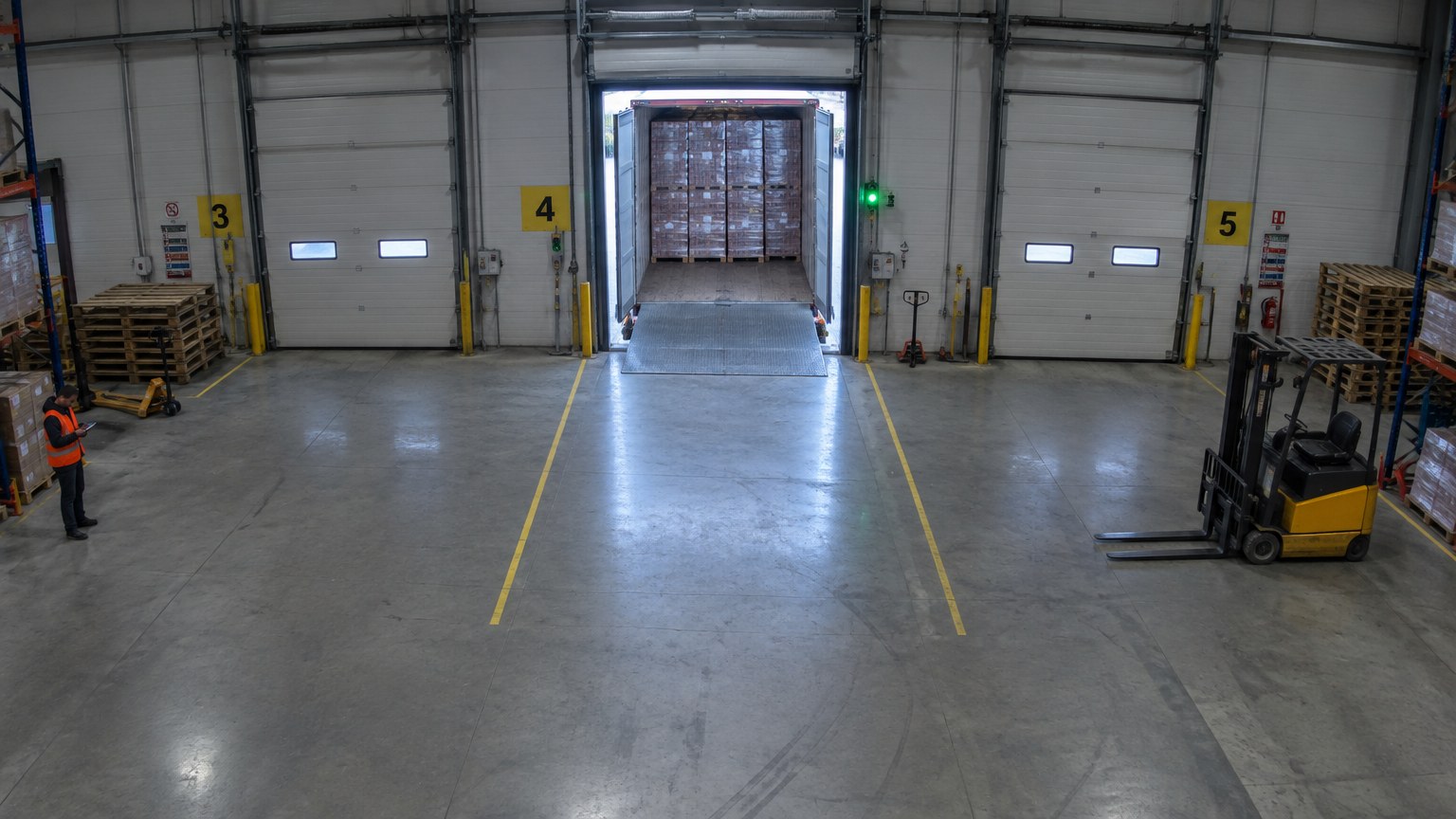
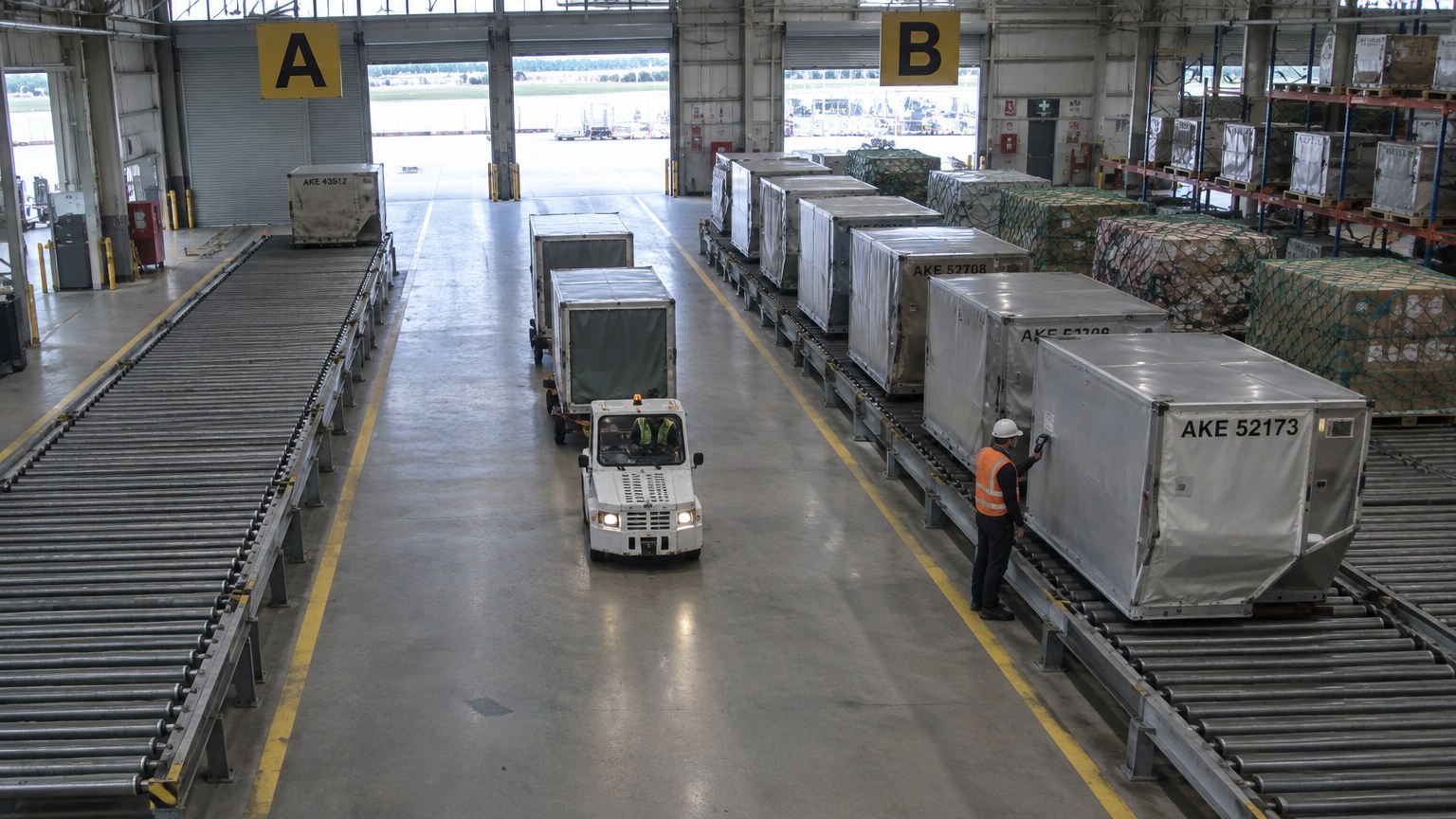
Know where your assets are and how long they’ve been sitting there, so less stock is lost, wasted or tied up. Pallets, carts and containers go missing in plain sight, and stock sits too long in storage.
Why it matters.
Pallets, carts and containers go missing in plain sight, and stock sits too long in storage. Goods expire, replacements are bought and staff spend hours searching.
What it detects and measures
- Where each asset isSo it can be found without searching
- When assets enter and leave each area, for a reliable movement record
- How long each asset has been storedTo catch ageing stock early
- How full each storage area isTo manage space
- Assets moved out of the area they belong inTo prevent losses
Typical applications
Set up in four steps.
Self-service, in the browser, on the cameras you already own.
- 01Connect
Uses the CCTV cameras already covering storage and staging areas. No new hardware.
- 02Set the rule
Mark each storage area and set how long each type of asset may stay.
- 03Measure
Tracks assets coming in and going out, and how long each one stays.
- 04Act
When an asset stays too long or leaves an area, the stock controller is alerted.
What your team gets.
Alerts reach the person who can act, with the time, place and frame. Every event is kept for reporting.
For operations
- Assets found in minutes, not hours
- Ageing stock flagged before it becomes a problem
For the business
- Less stock written off through expiry or loss
- Fewer replacement assets bought unnecessarily
- Better use of storage space before investing in more
- A movement record for audits and stock reconciliation
- Built on existing cameras, so no hardware spend to get started
Often measured on the same cameras.
The same cameras can identify containers and track loading steps.