



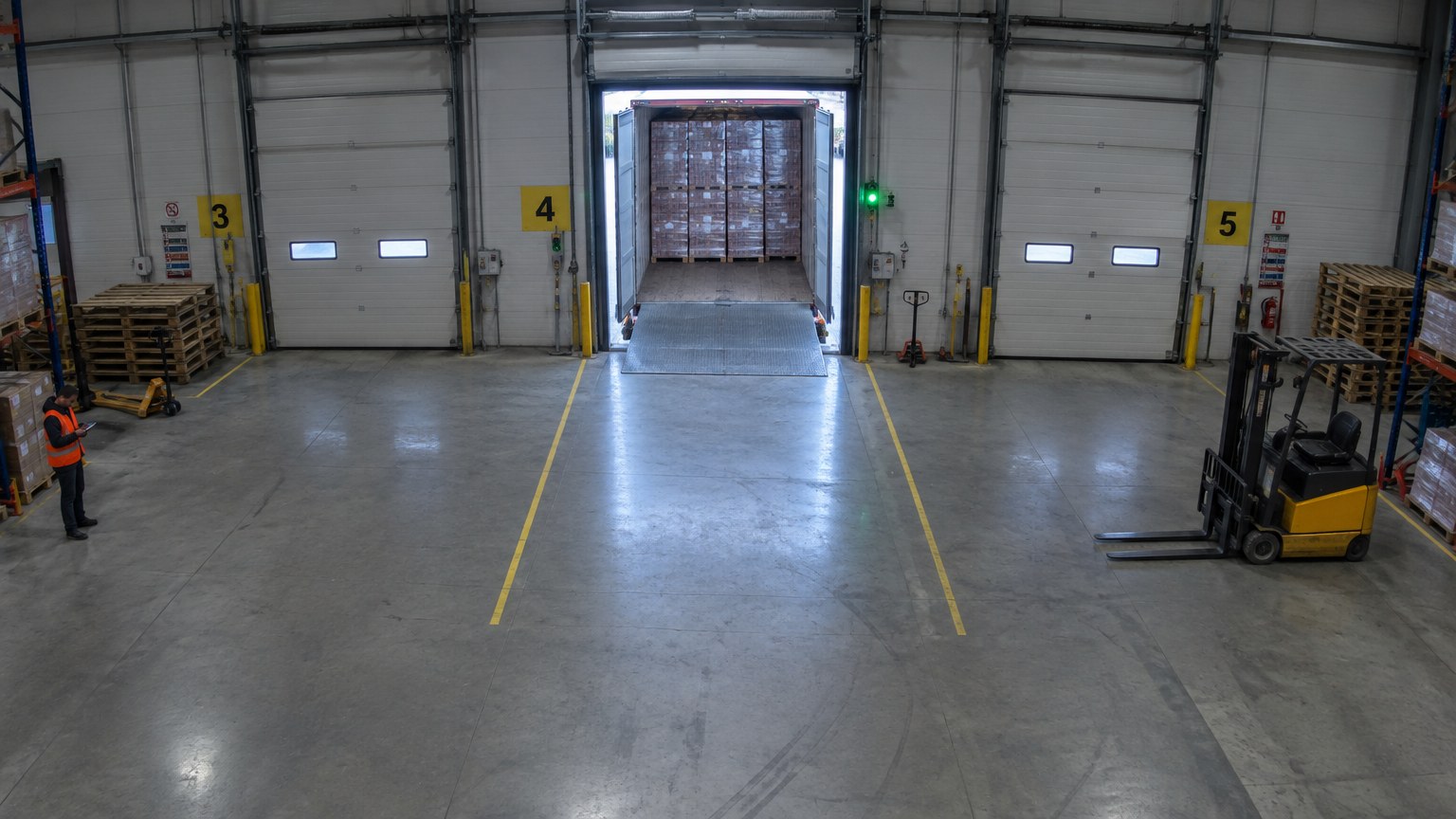
Process milestone tracking
Record each step of a process as it happens, so you know exactly where time is lost. Multi-team processes like unloading and changeovers are logged by hand, if at all.
Why it matters.
Multi-team processes like changeovers and loading are logged by hand, if at all. When they run late, nobody can say which step slipped, and the delay ripples on.
What it detects and measures
- When each step of the process starts and ends, recorded automatically
- Steps done out of order or skippedTo protect quality and safety
- Time taken between stepsTo show where the process slows down
- Differences between what happened and what your records say
- Trends across shifts, teams and sitesTo compare performance fairly
Typical applications
Set up in four steps.
Self-service, in the browser, on the cameras you already own.
- 01Connect
Uses a camera that can see where the work happens. No new hardware.
- 02Set the rule
Define each step as something the camera can see, like “door open” or “unloading started”, and link it to your records.
- 03Measure
Records the time of each step and compares progress with the plan.
- 04Act
When a step is late or missed, the team lead is alerted.
What your team gets.
Alerts reach the person who can act, with the time, place and frame. Every event is kept for reporting.
For operations
- Every step timestamped automatically, with no manual logging
- The step that caused a delay, found quickly
For the business
- Fewer knock-on delays, penalties and overtime costs
- Clear accountability across teams and contractors
- Improvement programmes based on evidence, not opinion
- Records that match what actually happened, for audits and disputes
Often measured on the same cameras.
The same approach tracks machines on a line and ground events at a stand.
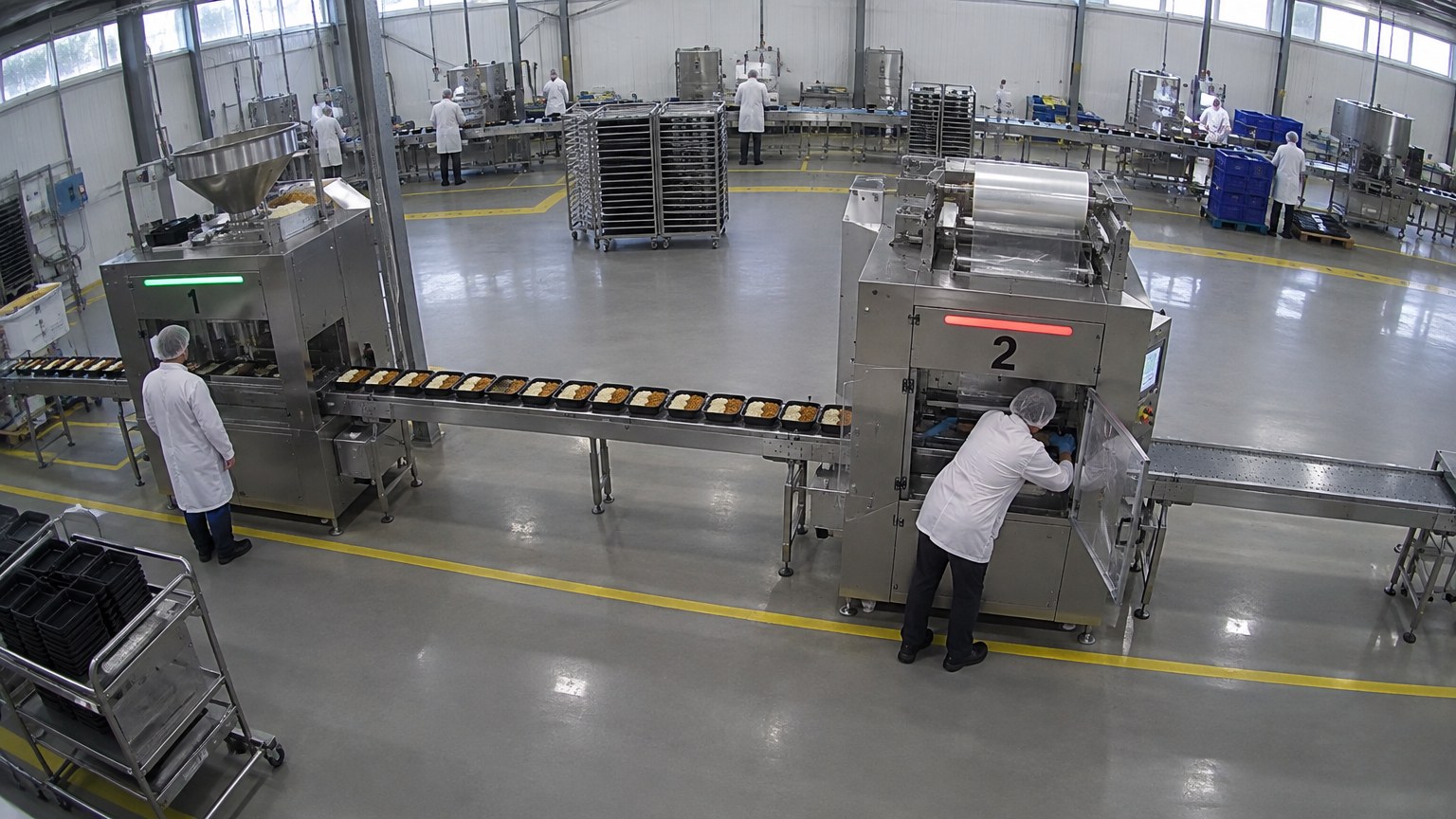
Equipment activity and downtime
Record every time equipment stops, and for how long, so lost production is visible and fixable.
Asset tracking and process monitoringView use case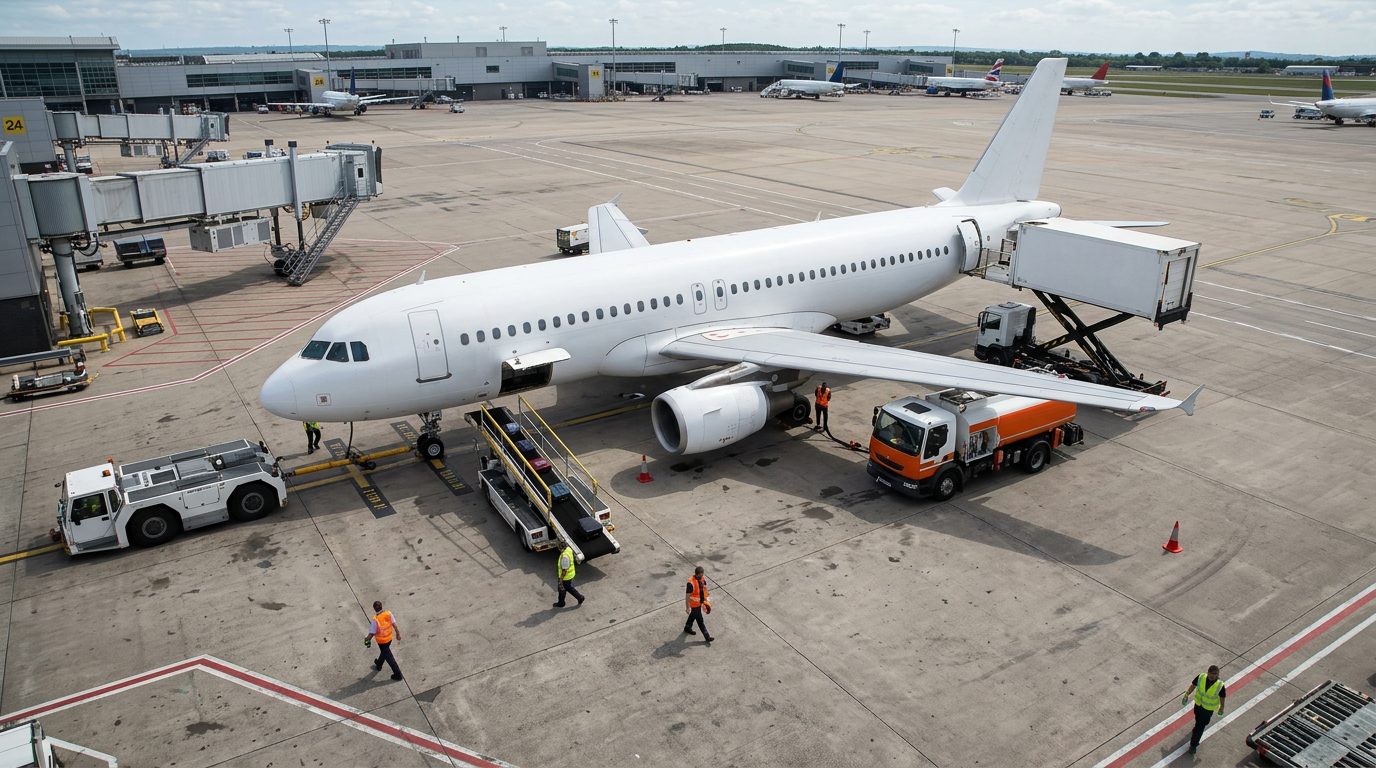
Aircraft turnaround
Track key ground events at the stand, so teams know early whether a flight will leave on time.
Asset tracking and process monitoringView use case