



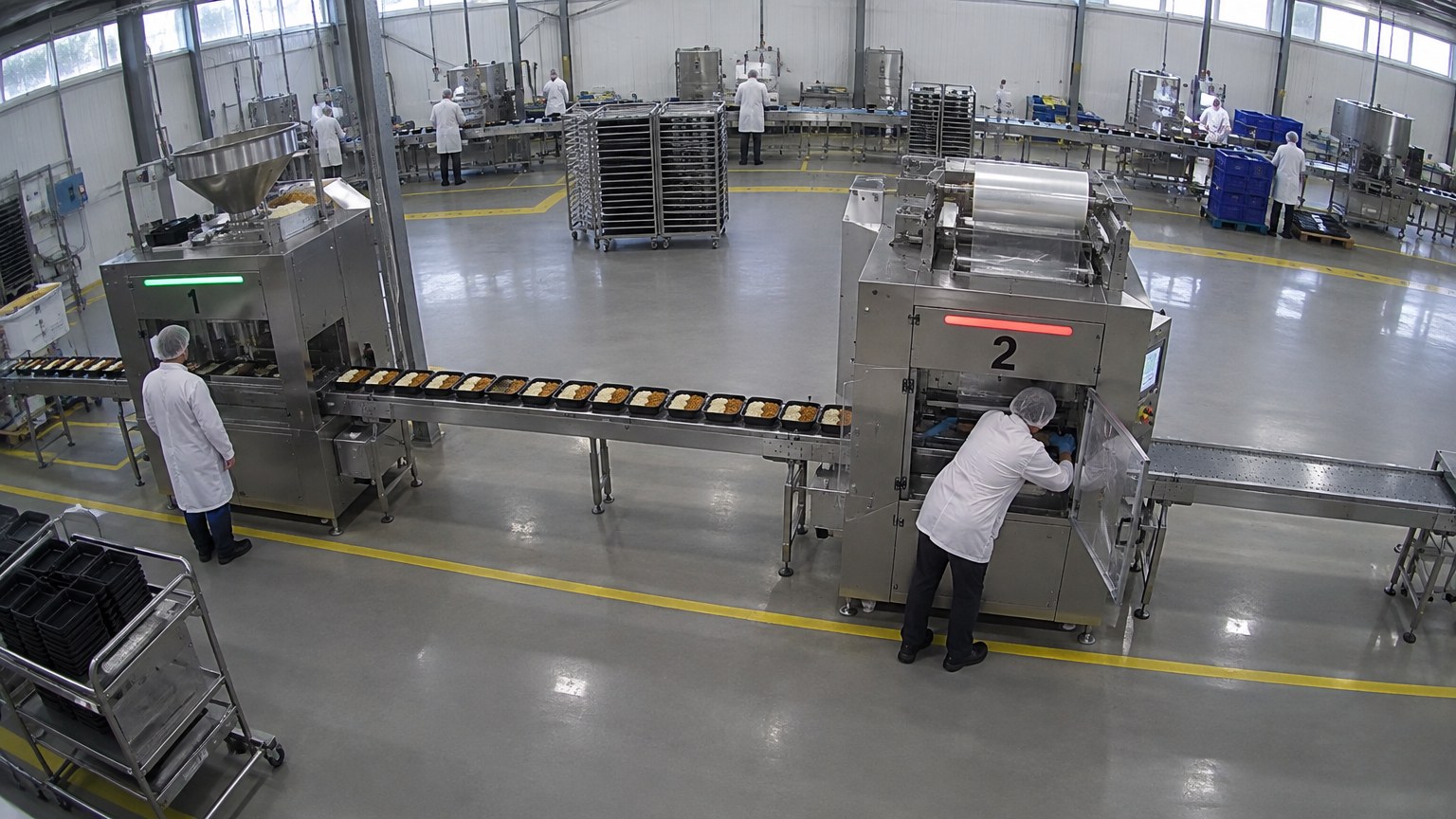
Equipment activity and downtime
Record every time equipment stops, and for how long, so lost production is visible and fixable. Short stops are rarely written down, so downtime is estimated at the end of the shift.
Why it matters.
Short stops are rarely written down, so downtime is estimated at the end of the shift. The minutes lost add up to lost output, overtime and missed orders.
What it detects and measures
- Whether each machine is running, idle or stopped, live
- How long each stop lasts, recorded automatically
- How often short stops happen, the losses most often missed
- Total running time per machine and shift, for a true picture of availability
- When stops happen, by shift and time of dayTo find patterns
Typical applications
Set up in four steps.
Self-service, in the browser, on the cameras you already own.
- 01Connect
Uses a camera that can see the machine or its warning light. No changes to the machine itself.
- 02Set the rule
Show what running, idle and stopped look like for each machine.
- 03Measure
Records every change in state and times each stop, around the clock.
- 04Act
When a machine stops for too long or keeps stopping, the shift lead is alerted.
What your team gets.
Alerts reach the person who can act, with the time, place and frame. Every event is kept for reporting.
For operations
- Every stop recorded with its time and an image, with no manual logs
- Recurring problems found and fixed sooner
For the business
- More output from existing equipment, before buying more
- Less overtime spent catching up on lost production
- Maintenance and equipment investment guided by real downtime data
- Works with older machines that have no built-in data connection
- Built on existing cameras, so no hardware spend to get started
Often measured on the same cameras.
The same line camera can track each step and check the finished product.
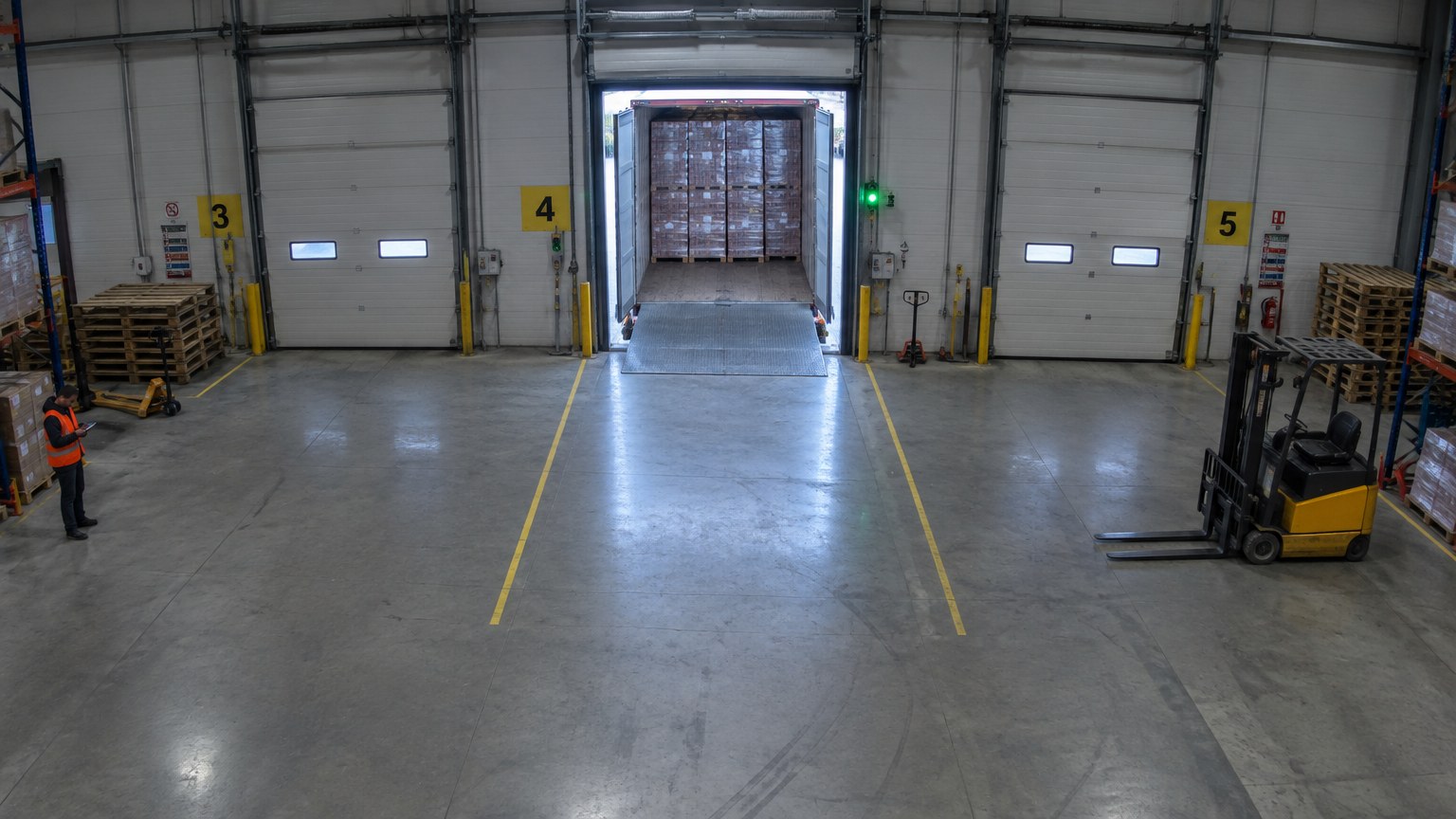
Process milestone tracking
Record each step of a process as it happens, so you know exactly where time is lost.
Asset tracking and process monitoringView use case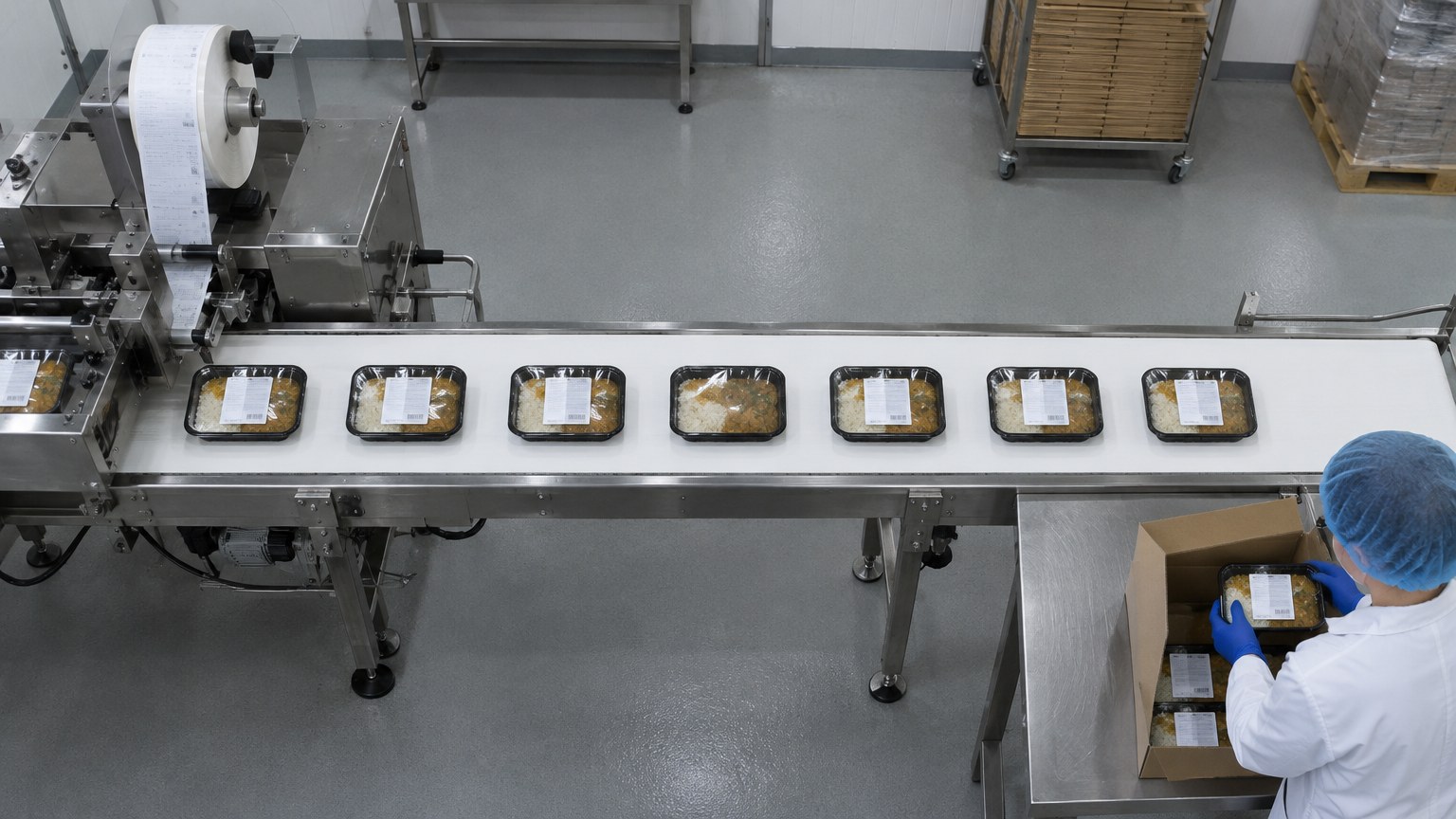
Product appearance and packaging checks
Check every unit’s labels, lids and seals as it passes the camera, so mistakes never reach the customer.
Quality checks and loss preventionView use case