



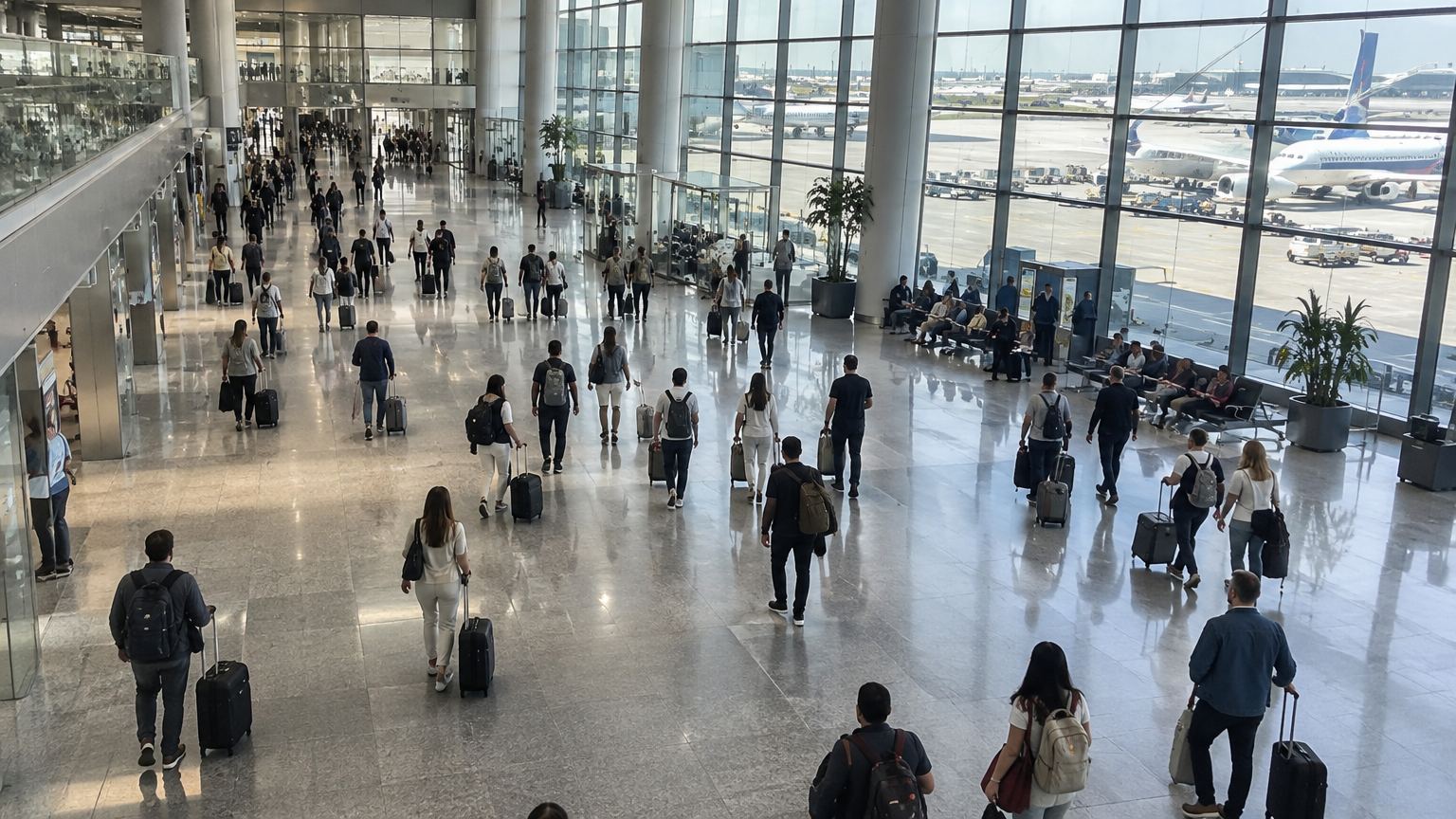
Occupancy and density
Know how full every space is as it fills, so you can keep people safe, comfortable and moving. Teams guess how full a space is and find out it was over capacity after the fact.
Why it matters.
Teams guess how full a space is and find out it was over capacity after the fact. Overcrowding brings safety and compliance risk, while other costly space sits half empty.
What it detects and measures
- How many people are in each area, liveSo crowding is seen as it builds
- How full each area is against its safe limitTo stay within capacity rules
- Which parts of a space are busiestTo understand how people really move
- How busy each area gets through the day and weekTo plan staff and services
- Spaces that are rarely usedTo free up or repurpose costly floor space
- People moving through doors, lift lobbies and walkways, counted in each direction
- How busy each floor or building is, estimated from people passing entry points
Typical applications
Set up in four steps.
Self-service, in the browser, on the cameras you already own.
- 01Connect
Uses the CCTV cameras already covering the space. No new hardware.
- 02Set the rule
Outline each area and set how many people it should safely hold.
- 03Measure
Counts the people in each area and tracks how full it is, around the clock.
- 04Act
When an area nears its limit, the floor team is alerted to redirect people before it becomes unsafe.
What your team gets.
Alerts reach the person who can act, with the time, place and frame. Every event is kept for reporting.
For operations
- A live view of how full every space is, in one place
- Crowding spotted early, so teams can act before it becomes a problem
For the business
- Lower safety and compliance risk from overcrowding
- Better use of floor space, one of the biggest fixed costs on any site
- Staffing and cleaning planned around real usage
- Layout and expansion decisions backed by real counts
- Built on existing cameras, so no hardware spend to get started
Often measured on the same cameras.
The same camera can measure queues, and together with room data shows how a whole building is used.
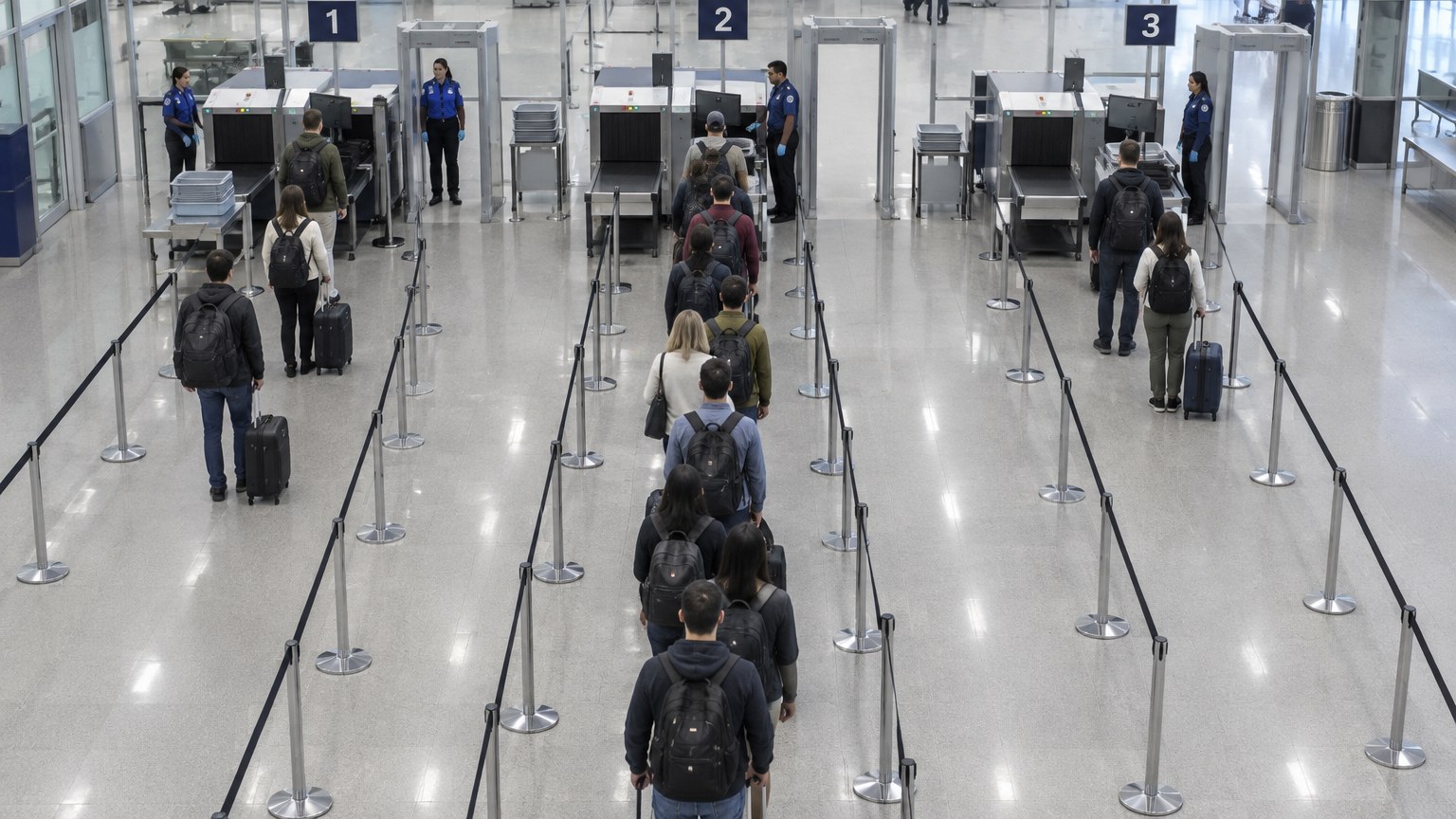
Queue and wait time
See how long customers really wait, and act before queues hurt service, revenue or reputation.
Flow and throughputView use case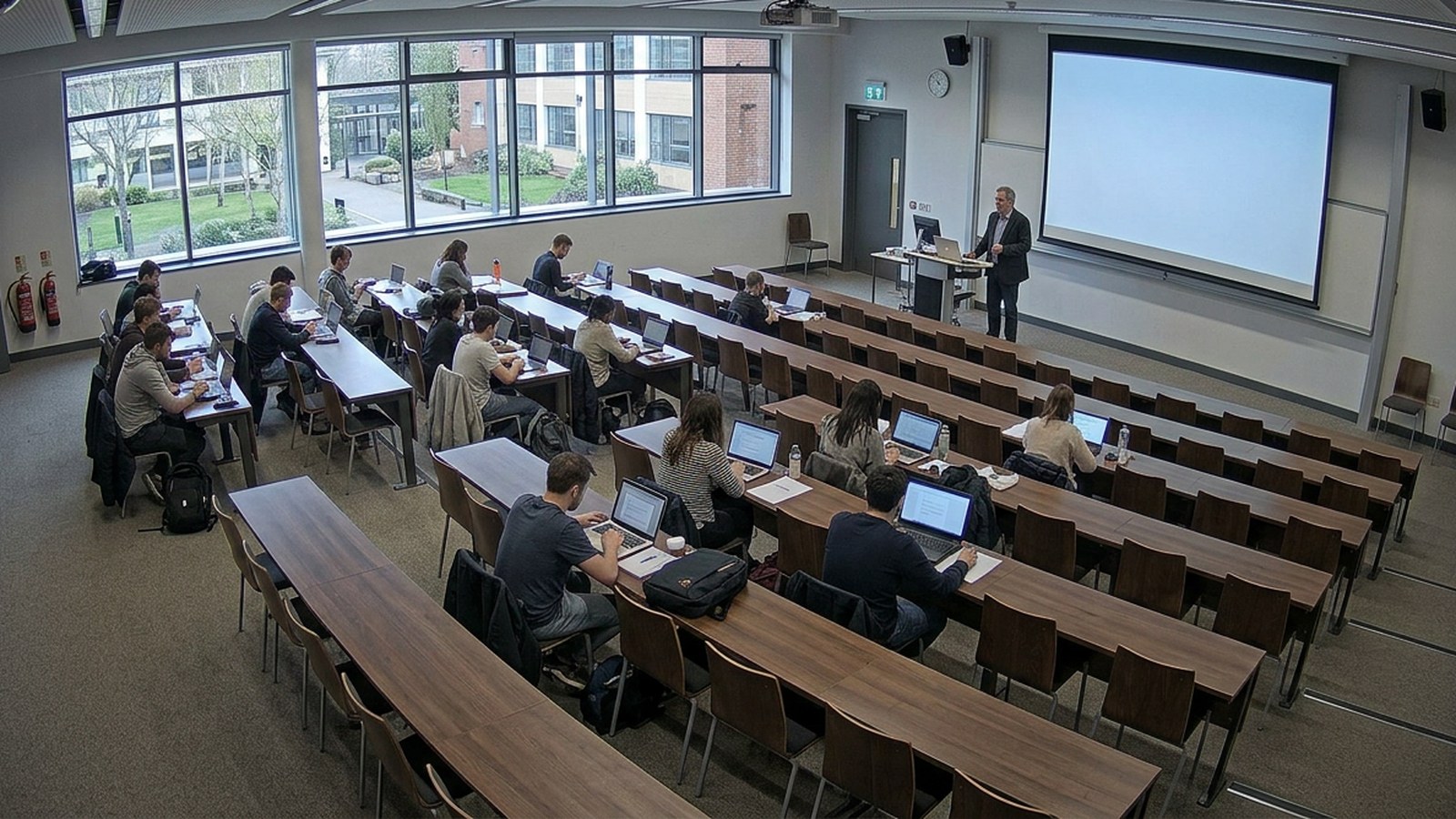
Room and workspace utilisation
See how offices, classrooms and labs are really used, so you get the most from costly space.
Flow and throughputView use case