



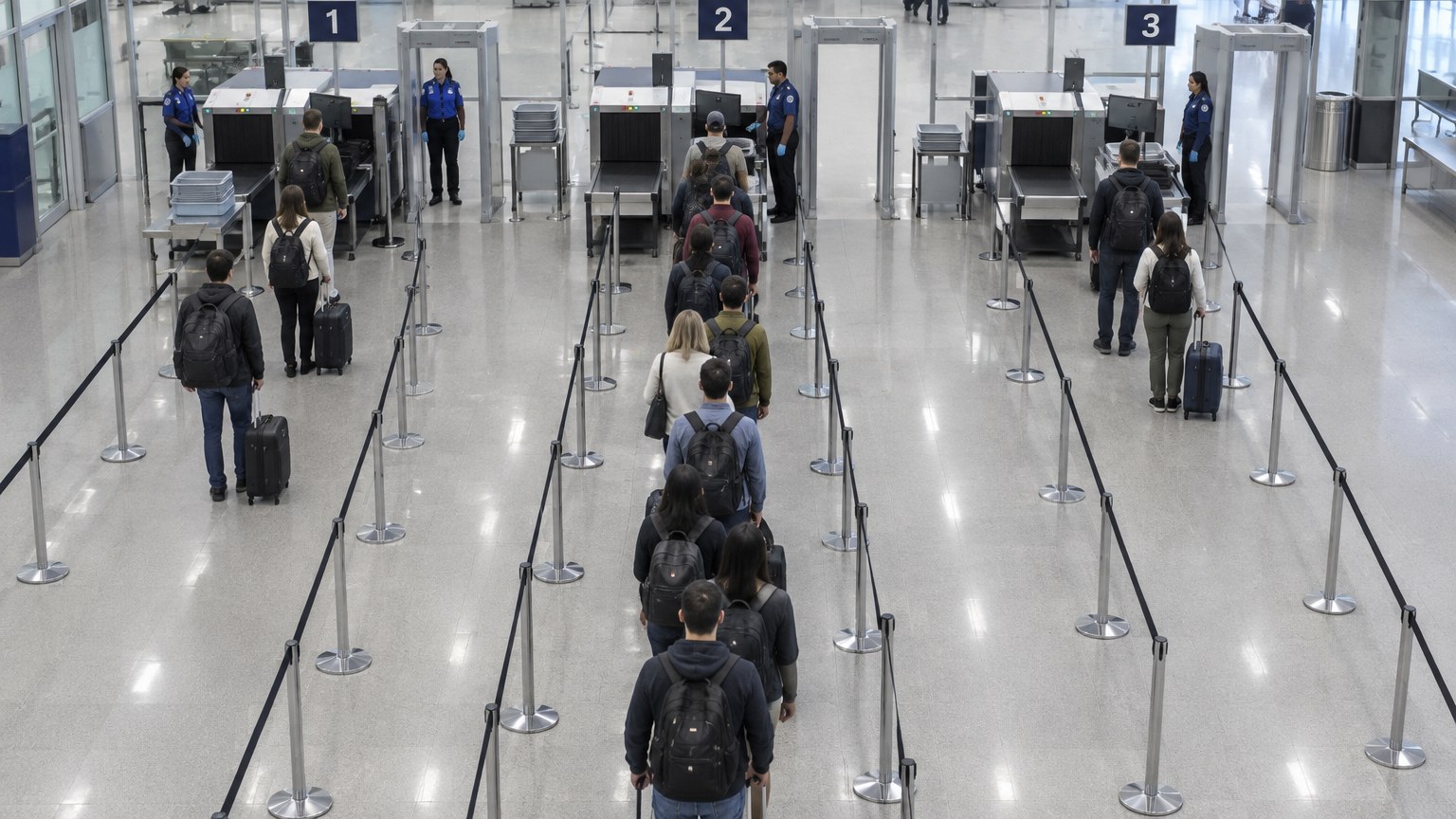
Queue and wait time
See how long customers really wait, and act before queues hurt service, revenue or reputation. Queues are usually noticed only when someone complains.
Why it matters.
Queues are usually noticed only when someone complains. By then the line is long, nobody knows how long people waited, and staffing is planned on gut feel.
What it detects and measures
- How many people are in each queue, liveSo problems are seen as they form
- How long each person actually waits, not an estimate at a glance
- How quickly each lane or counter serves peopleTo show where capacity is lost
- The busiest hours and daysTo plan staff around real demand
- Lanes that are open but not servingTo spot staffing gaps
Typical applications
Set up in four steps.
Self-service, in the browser, on the cameras you already own.
- 01Connect
Uses the CCTV cameras already watching the queue. No new hardware and no change to the site.
- 02Set the rule
Mark out the queue and the point where people are served, and set the longest wait you’re willing to accept.
- 03Measure
Counts people in line, times every wait and tracks how fast each lane moves, around the clock.
- 04Act
When waits pass your limit, the duty manager is alerted to open another lane, before customers feel it.
What your team gets.
Alerts reach the person who can act, with the time, place and frame. Every event is kept for reporting.
For operations
- Extra lanes opened before the line forms, not after complaints
- A live view of every queue across the site, in one place
For the business
- Staff costs matched to real demand, hour by hour
- Better customer experience, protecting repeat business and reputation
- Evidence to back service-level commitments to partners and regulators
- Capacity decisions (new counters, layout changes) based on data, not opinion
- Built on existing cameras, so no hardware spend to get started
Often measured on the same cameras.
The same camera can show how crowded the waiting area is and spot bags left behind, adding value without extra cost.
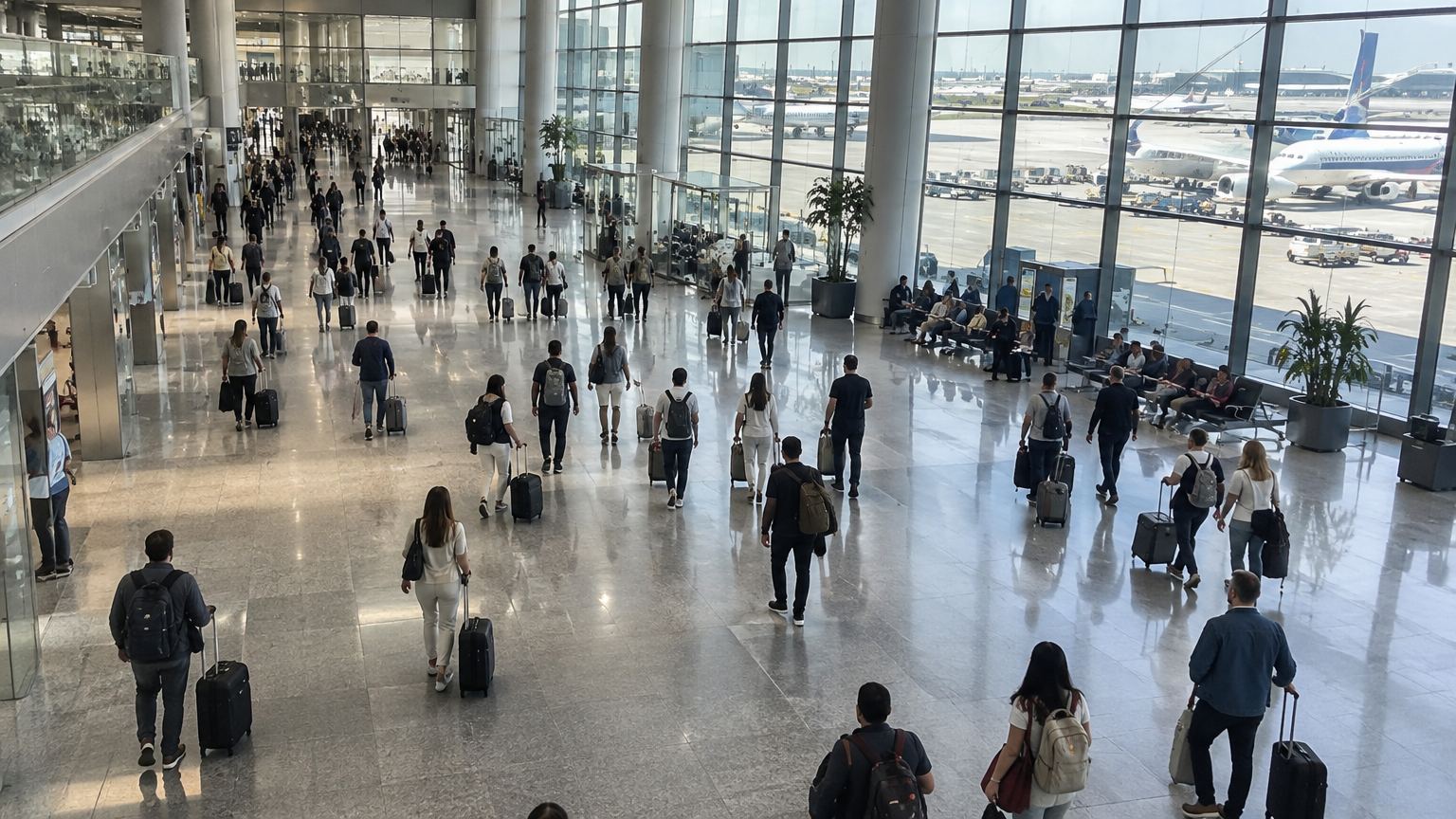
Occupancy and density
Know how full every space is as it fills, so you can keep people safe, comfortable and moving.
Flow and throughputView use case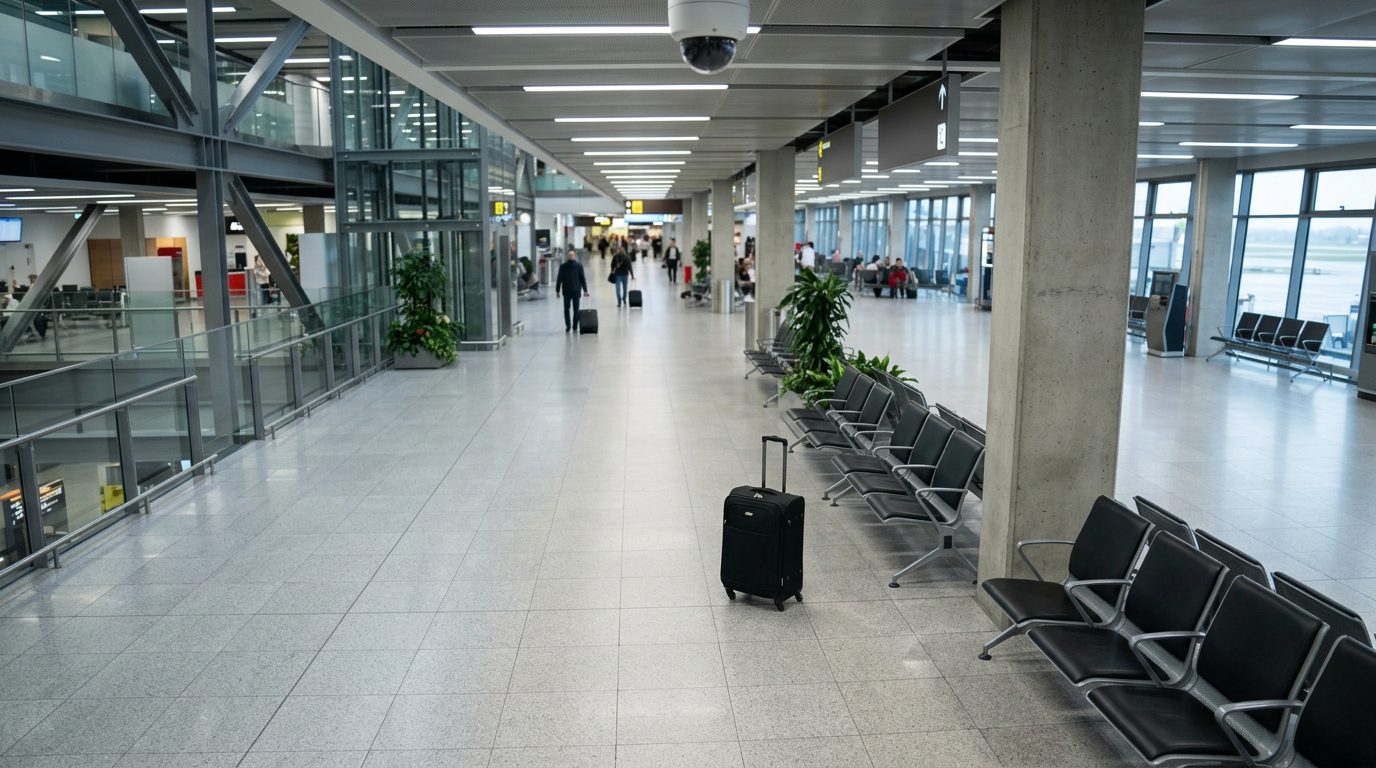
Unattended object detection
Flag a bag or object left alone within minutes, not at the next patrol.
Safety and securityView use case