



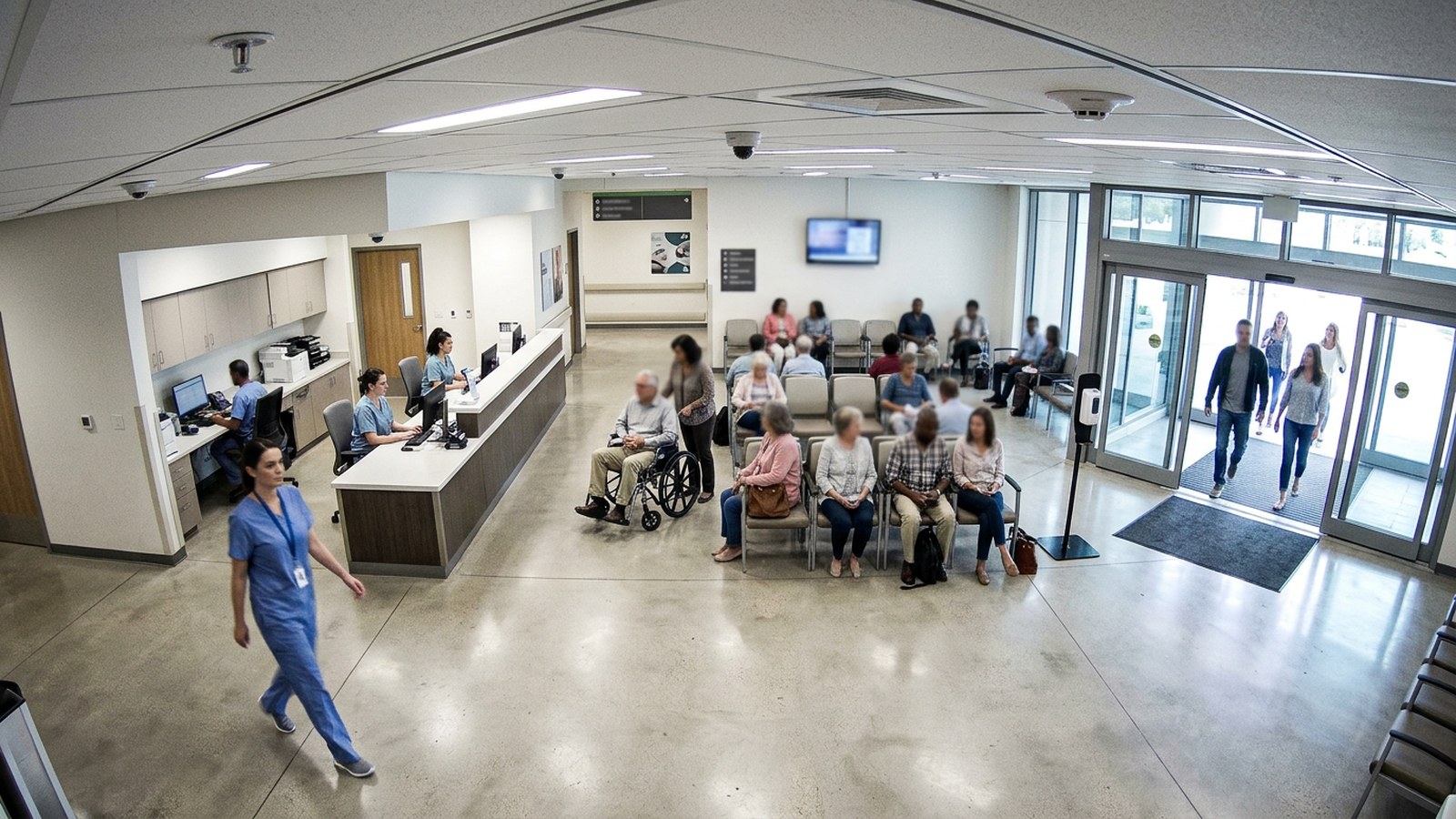
Patient flow and footfall
See how many patients move through each department and when, so staff and space match real demand. Hospitals and clinics often don’t know how many patients pass through each department, or when.
Why it matters.
Hospitals and clinics often don’t know how many patients pass through each department, or when. Staffing and space are planned on assumptions, and waiting areas overflow.
What it detects and measures
- How many patients enter each department, hour by hour
- Unique visits, counted without identifying anyone
- Movement between departmentsTo show how patients flow through the site
- Busy and quiet periods by day and week
- Crowding in waiting areas at peak times
Typical applications
Set up in four steps.
Self-service, in the browser, on the cameras you already own.
- 01Connect
Uses the CCTV cameras already at entrances and waiting areas. No new hardware.
- 02Set the rule
Mark the entrances and waiting areas for each department.
- 03Measure
Counts people entering each department and how they move between them. Faces are blurred and no one is identified.
- 04Act
When a waiting area gets too busy, the department manager is alerted.
What your team gets.
Alerts reach the person who can act, with the time, place and frame. Every event is kept for reporting.
For operations
- A live view of patient numbers by department
- Busy periods seen as they build
For the business
- Staffing and opening hours matched to real patient demand
- A better patient experience with less crowding
- Reliable activity figures for reporting and funding
- Patient privacy protected: people are counted, never identified
Often measured on the same cameras.
Together they show how patients, chairs and rooms are used across the site.
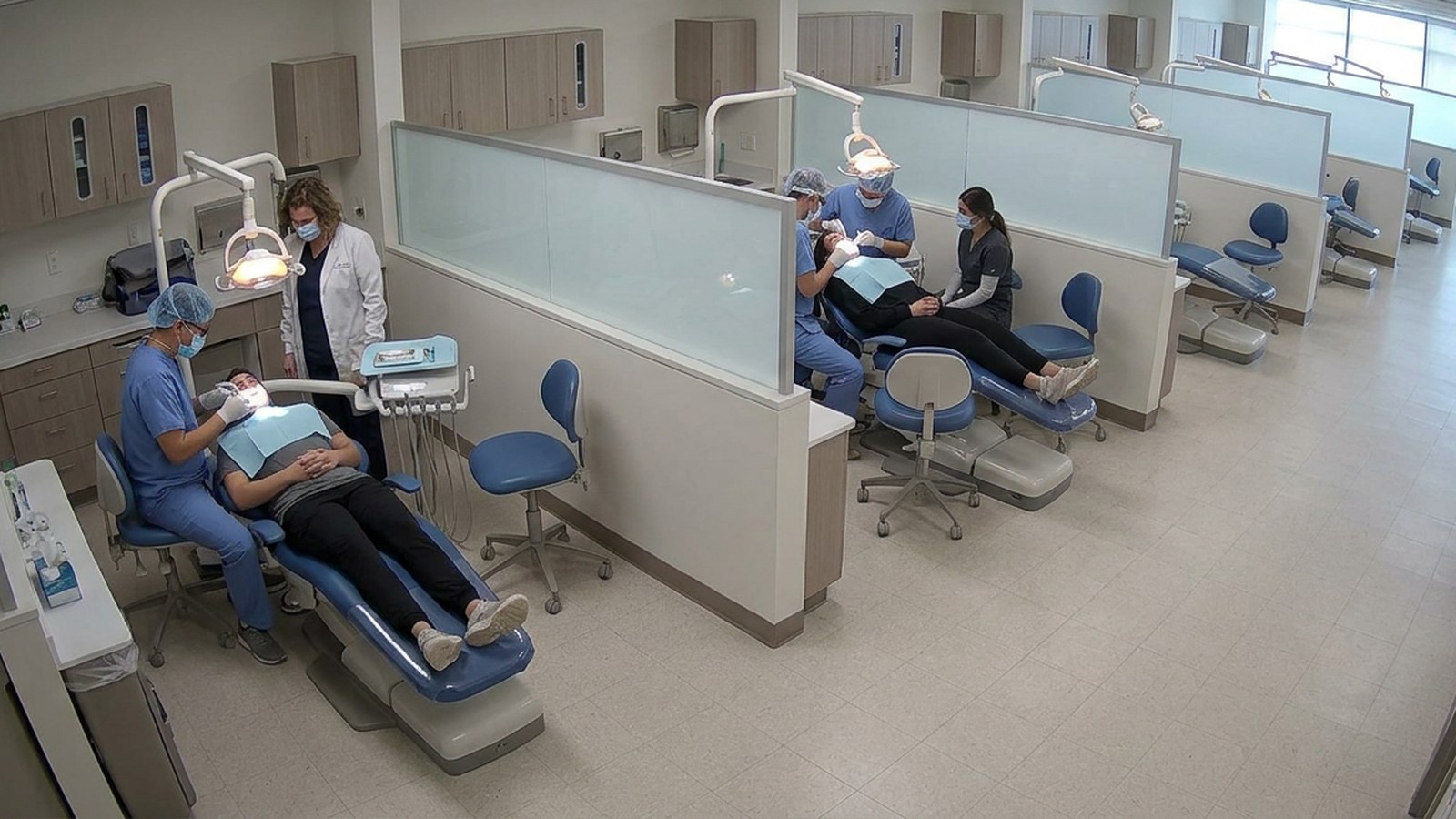
Treatment chair and bay utilisation
Know how often each treatment chair or bay is in use, so costly clinical resources aren’t left idle.
Asset tracking and process monitoringView use case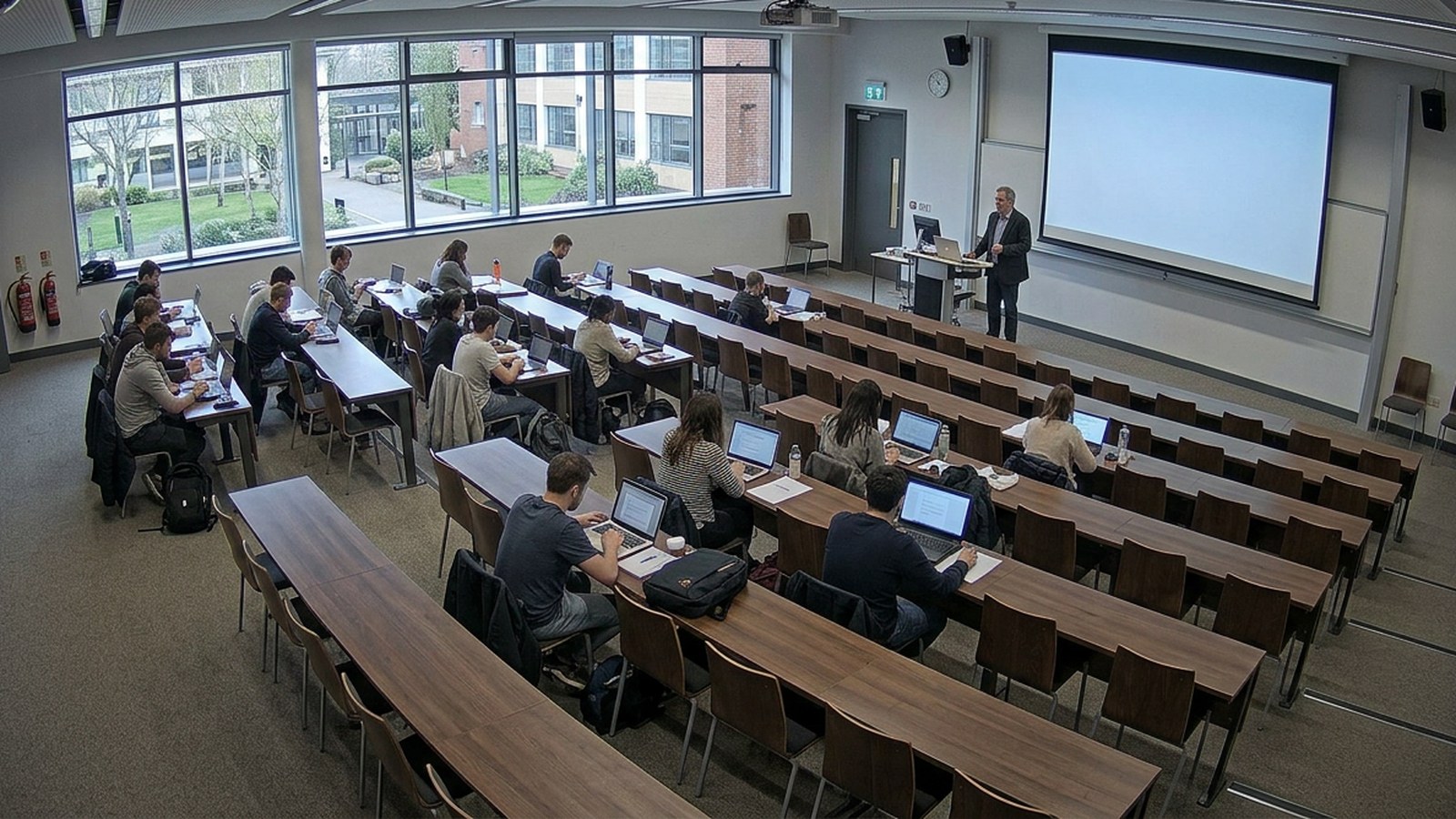
Room and workspace utilisation
See how offices, classrooms and labs are really used, so you get the most from costly space.
Flow and throughputView use case