



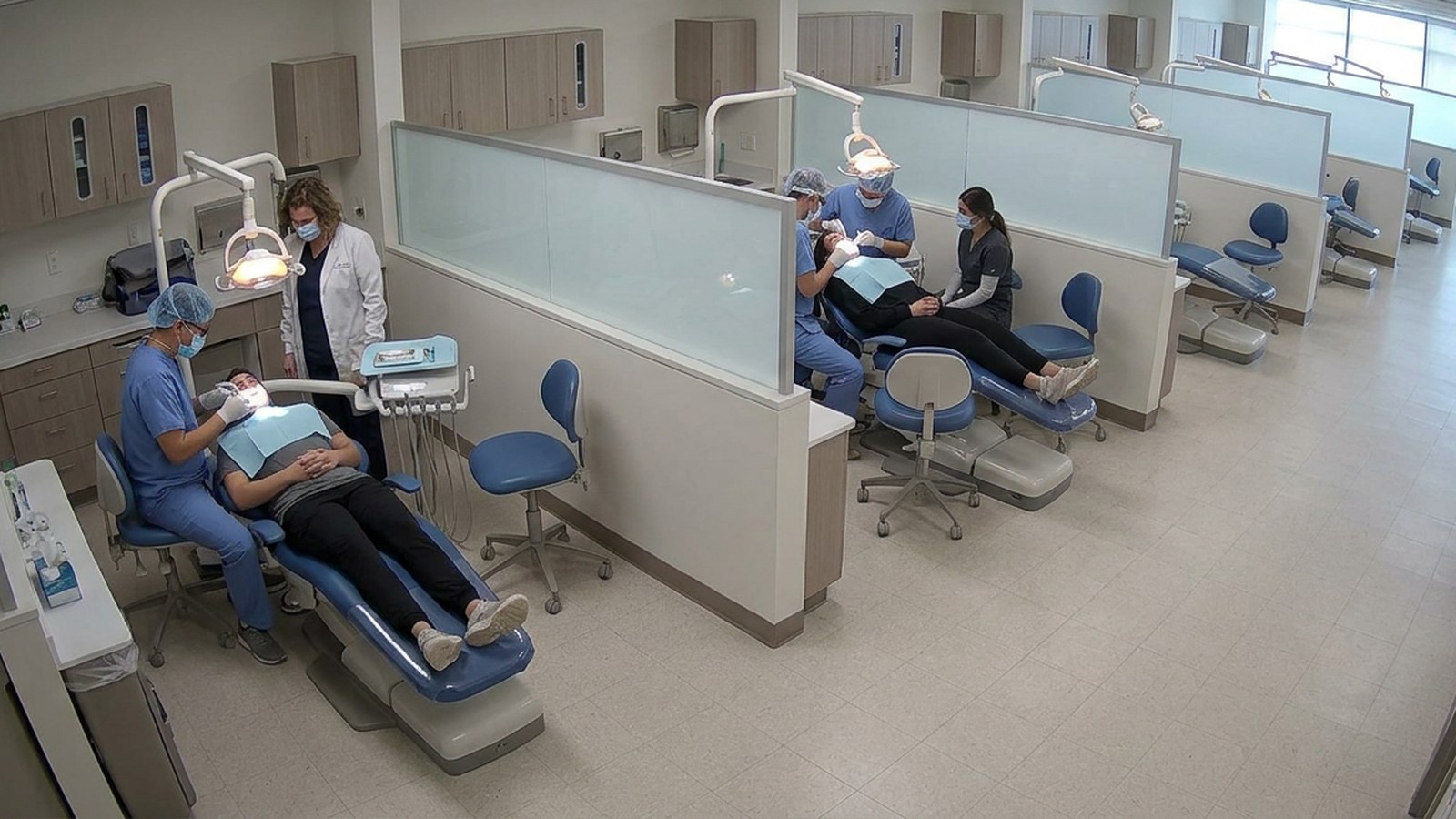
Treatment chair and bay utilisation
Know how often each treatment chair or bay is in use, so costly clinical resources aren’t left idle. Chair and bay use is estimated from bookings, which miss no-shows, late starts and idle time.
Why it matters.
Chair and bay use is estimated from bookings, which miss no-shows, late starts and idle time. Departments ask for more chairs when the real problem is scheduling.
What it detects and measures
- Whether each chair or bay is in use or empty
- How long each session lasts
- Daily use of each chair, by department
- Gaps between patients, and late starts
- Booked use compared with actual use, where booking data is available
Typical applications
Set up in four steps.
Self-service, in the browser, on the cameras you already own.
- 01Connect
Uses the cameras already covering the clinic floor. No new hardware.
- 02Set the rule
Mark each chair or bay, and link booking data if it’s available.
- 03Measure
Records when each chair is in use and works out daily use by department, without identifying patients.
- 04Act
When a booked chair sits empty, the clinic coordinator is alerted.
What your team gets.
Alerts reach the person who can act, with the time, place and frame. Every event is kept for reporting.
For operations
- Real chair use, not booking estimates
- Idle chairs seen during the day, not at month end
For the business
- More patients treated with the same chairs
- Investment in new chairs and rooms based on evidence
- Scheduling problems found and fixed
- Accurate utilisation figures for reporting
Often measured on the same cameras.
The same clinic cameras can count patients and show how rooms are used.
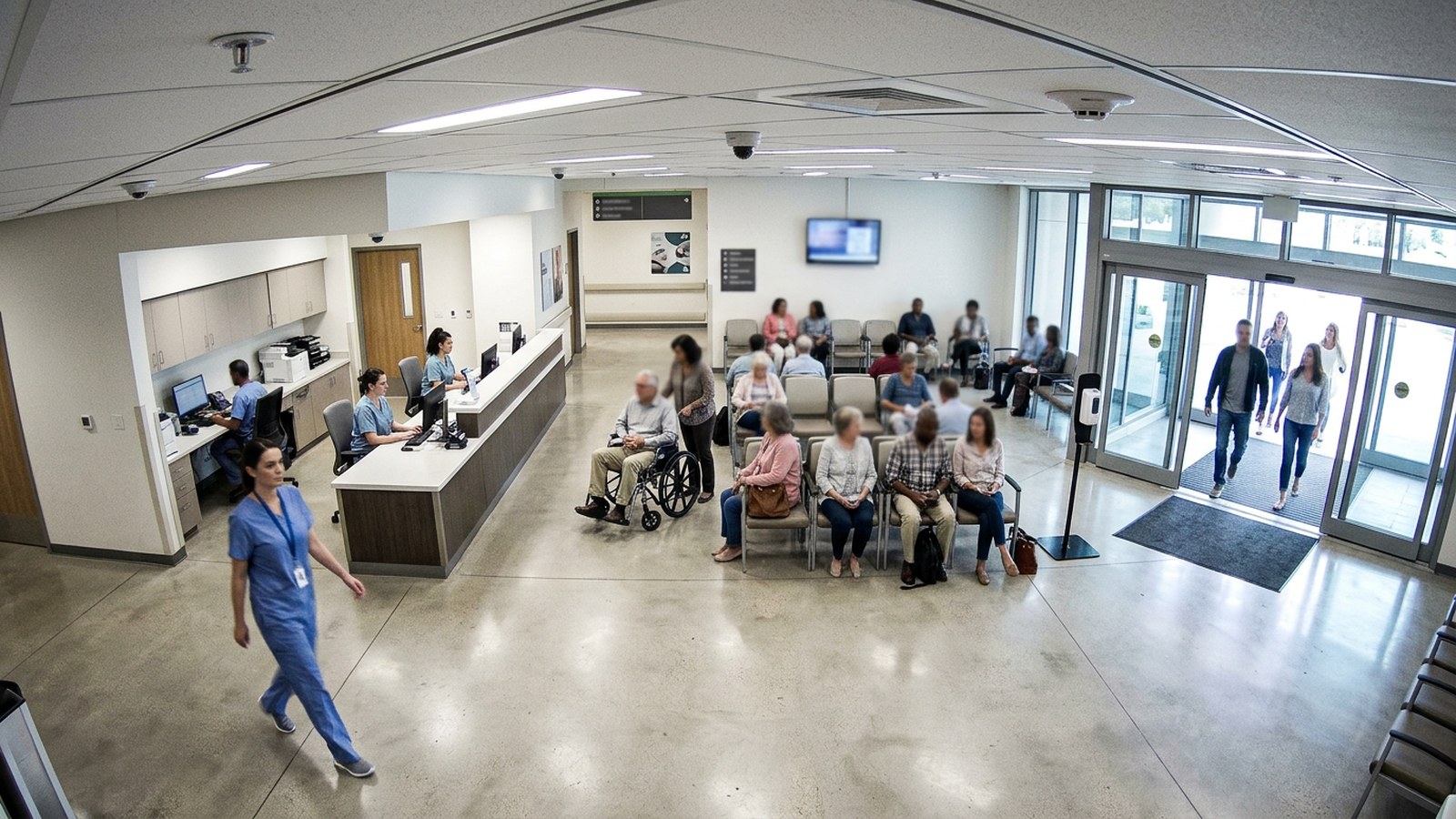
Patient flow and footfall
See how many patients move through each department and when, so staff and space match real demand.
Flow and throughputView use case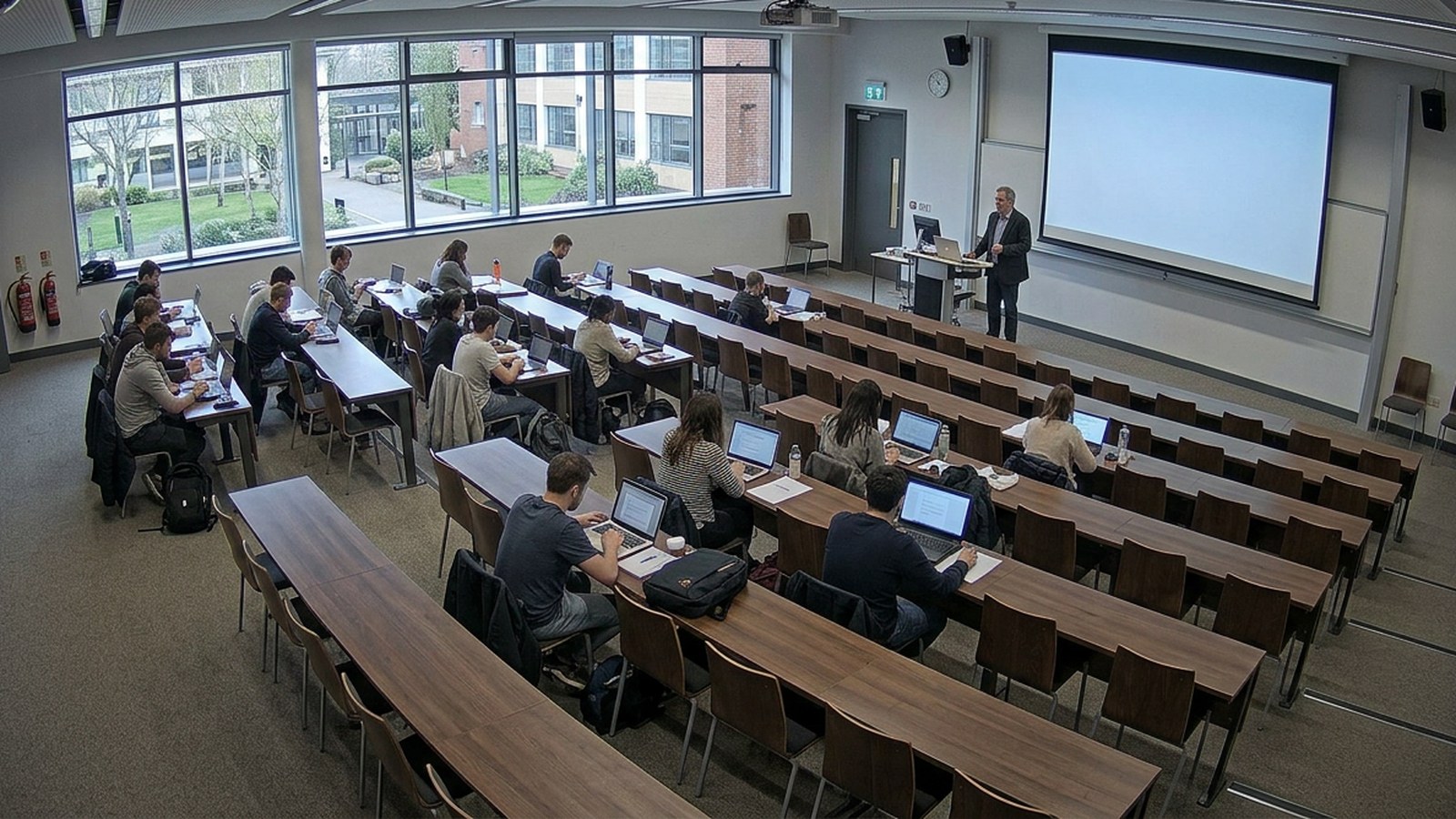
Room and workspace utilisation
See how offices, classrooms and labs are really used, so you get the most from costly space.
Flow and throughputView use case