



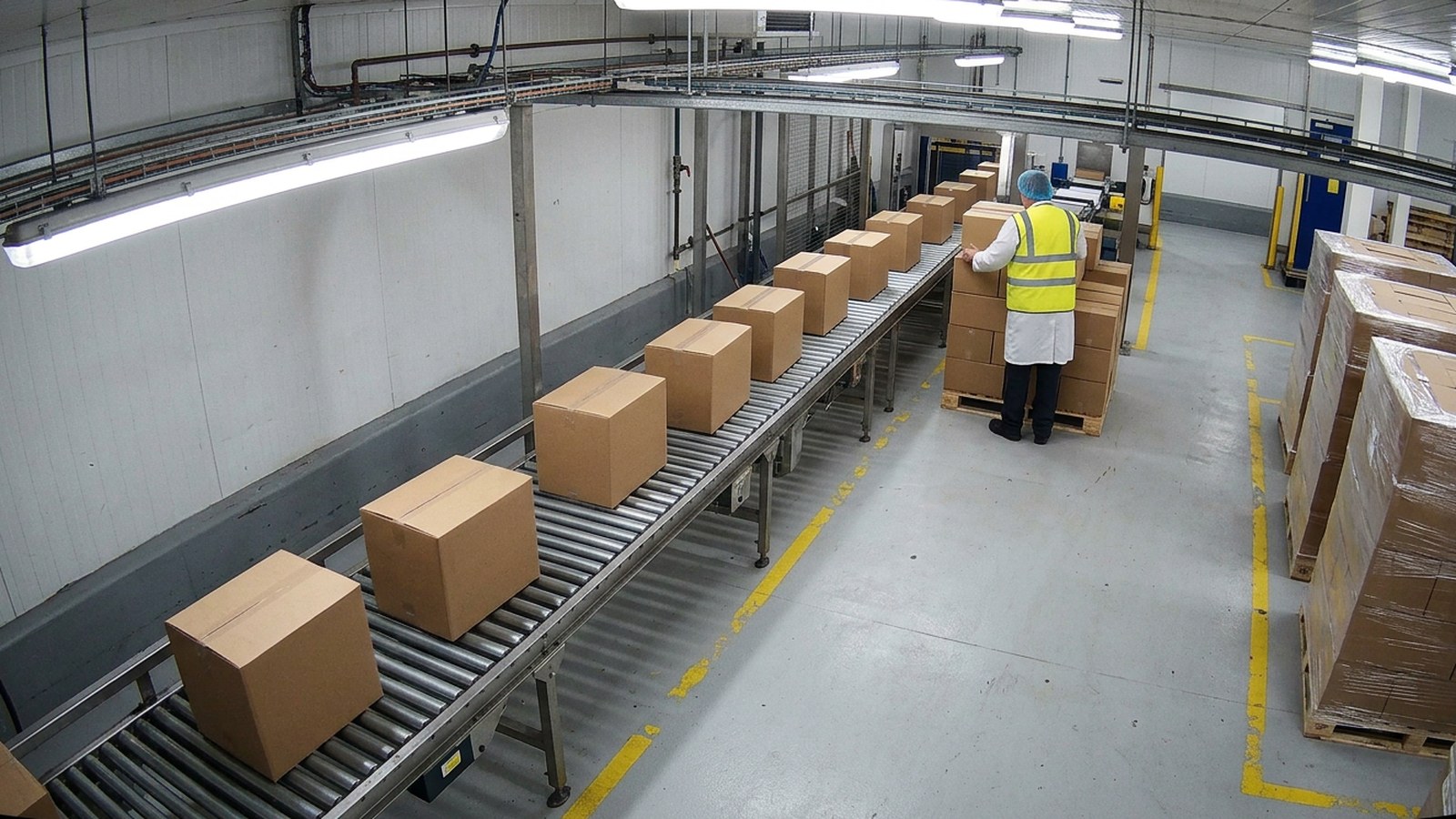
Automated counting
Count items, animals or events automatically from camera footage, so teams stop counting by hand. Many operations still count cartons, animals and pallets by hand, so mistakes are found late.
Why it matters.
Many operations still count cartons, animals and pallets by hand, so mistakes are found late. Stock, production and billing records stop matching, and disputes are hard to settle.
What it detects and measures
- Items, cartons or products passing a point
- Animals moving through races, pens or loading areas
- Pallets or units loaded and unloaded
- Counts by hour, shift, lot or truck
- Differences between counted and expected numbers
Typical applications
Set up in four steps.
Self-service, in the browser, on the cameras you already own.
- 01Connect
Uses the cameras already seeing the line, gate or loading area. No new hardware.
- 02Set the rule
Choose what to count and where, such as cartons crossing a line or animals passing through a gate.
- 03Measure
Counts each item or event as it happens, and groups the counts by shift, lot or truck.
- 04Act
When counts don’t match the expected numbers, the supervisor is alerted.
What your team gets.
Alerts reach the person who can act, with the time, place and frame. Every event is kept for reporting.
For operations
- Accurate counts without manual tallies
- Mismatches found as they happen
For the business
- Less staff time spent counting
- Stock, production and billing records that match
- Faster settlement of disputes with suppliers and customers
- Better planning from reliable activity data
Often measured on the same cameras.
Counts can be combined with quality checks and storage tracking on the same cameras.
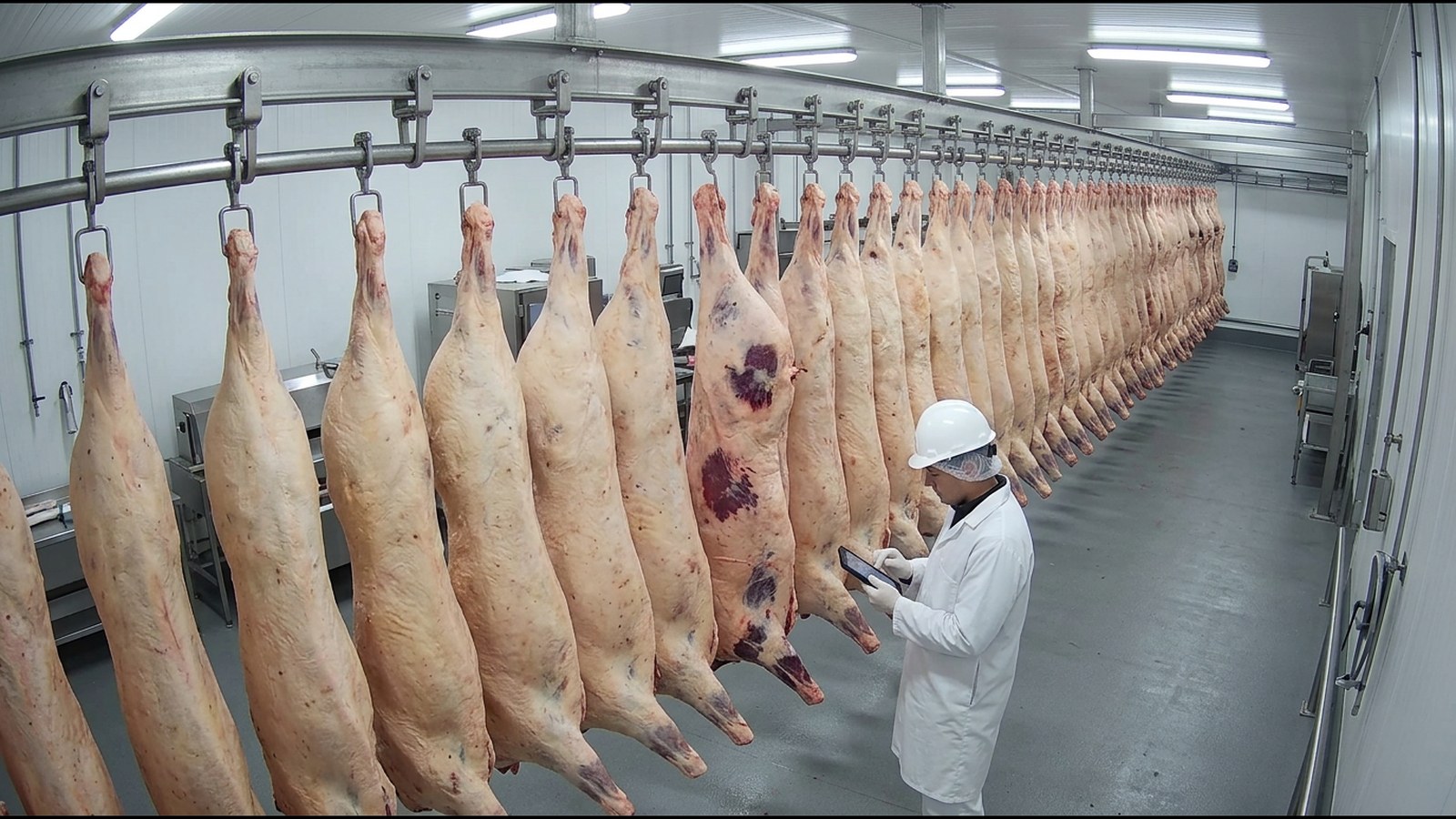
Carcass bruising detection
Detect and count visible bruising on carcasses automatically, for consistent records and less manual inspection.
Quality checks and loss preventionView use case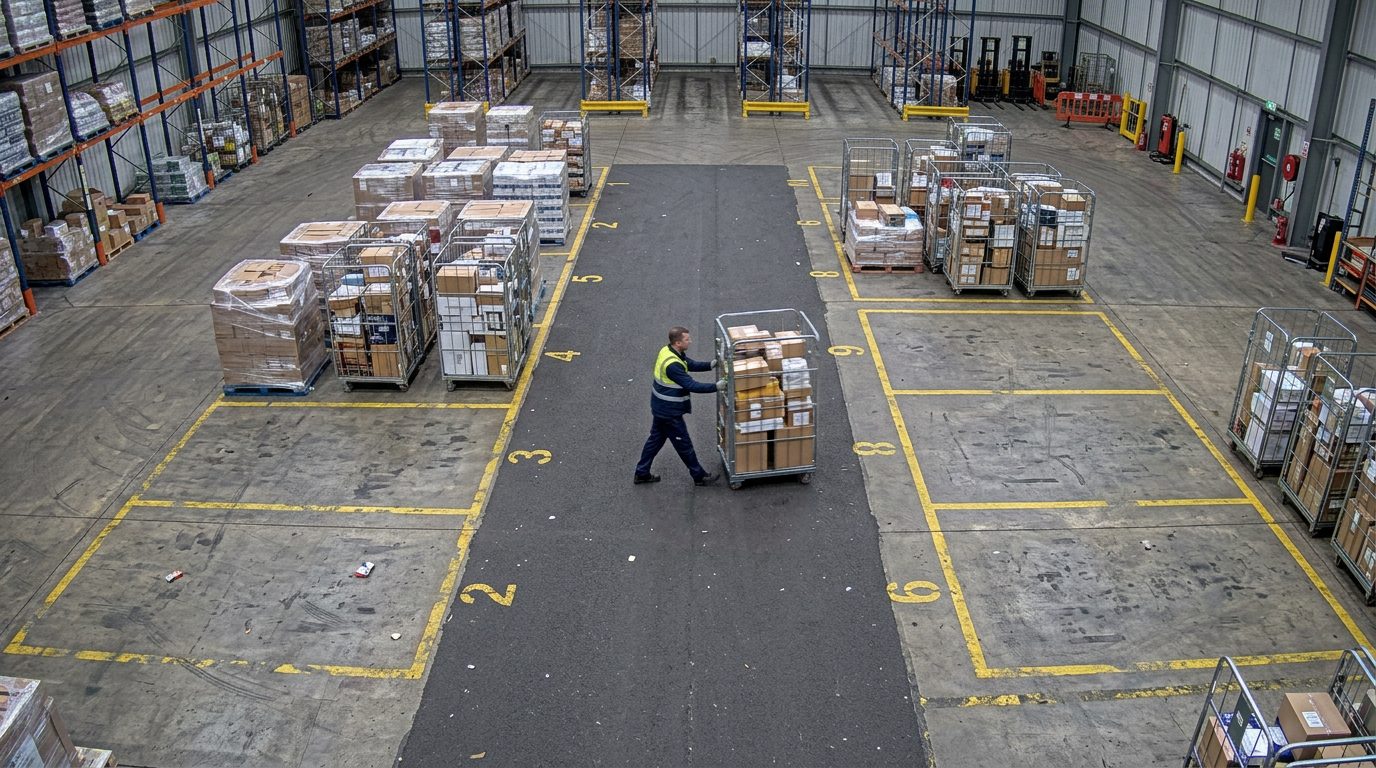
Asset location and time in storage
Know where your assets are and how long they’ve been sitting there, so less stock is lost, wasted or tied up.
Asset tracking and process monitoringView use case